
Save Contacts without a First or Last Name, Schedule an Email Blast up to 30 Days Prior and More…
Save Contacts without a First or Last Name
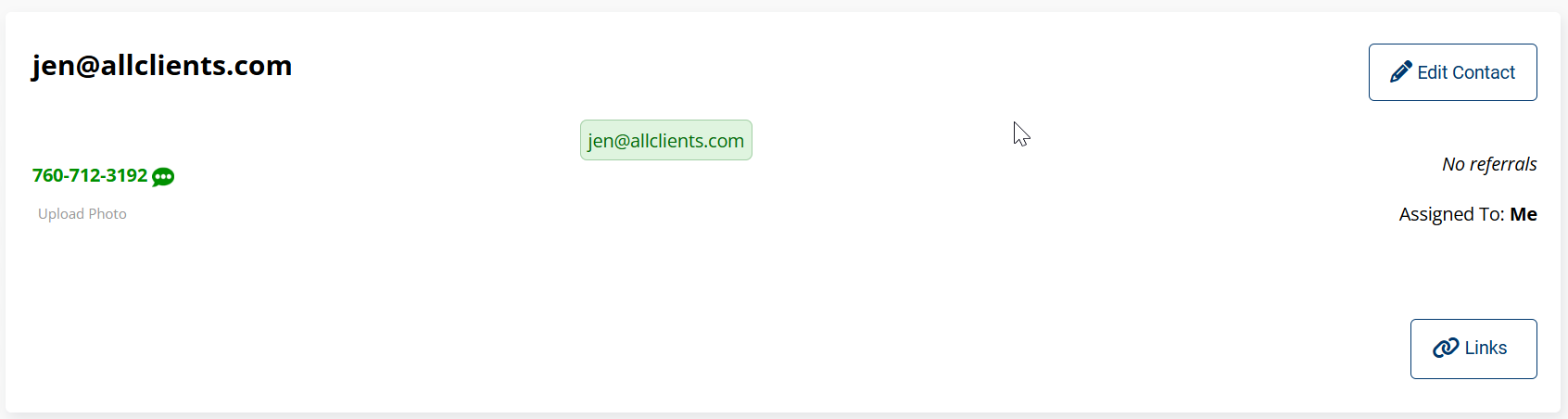
We’ve streamlined the contact creation process to help you capture leads faster. You can now save contacts even without a first or last name. The system will automatically use placeholder periods for required fields and prioritize displaying the information you do have—such as Email, Phone, or Company Name—across the contact record, lists, and recent activity.
Refresh Contact Counts on Your Dashboard
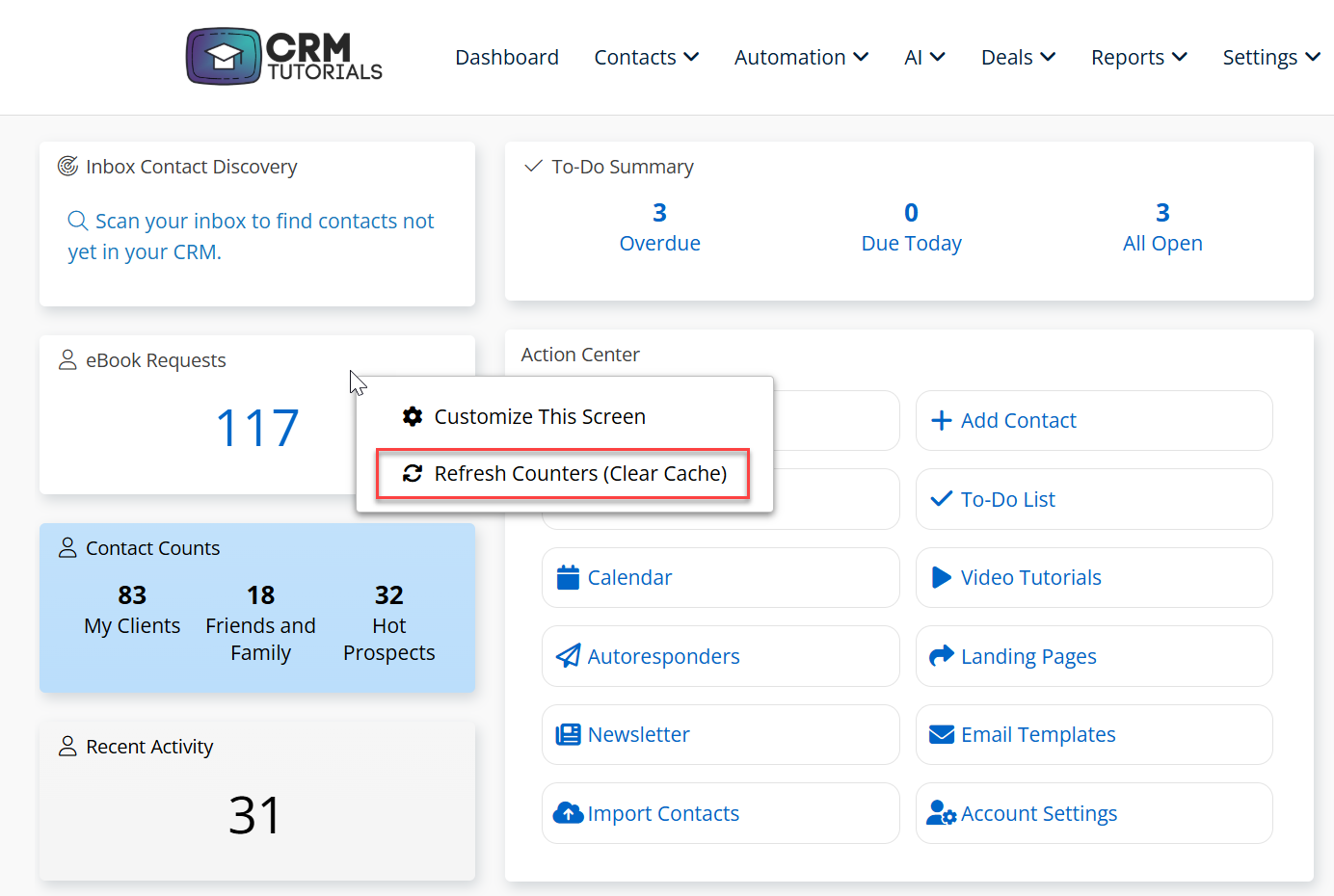
Keep your data up-to-the-minute with our new Manual Refresh for Dashboard Widgets. You can now right-click any contact count widget and select Refresh Counters to instantly update and view your most current numbers.
Schedule an Email Blast up to 30 Days Prior
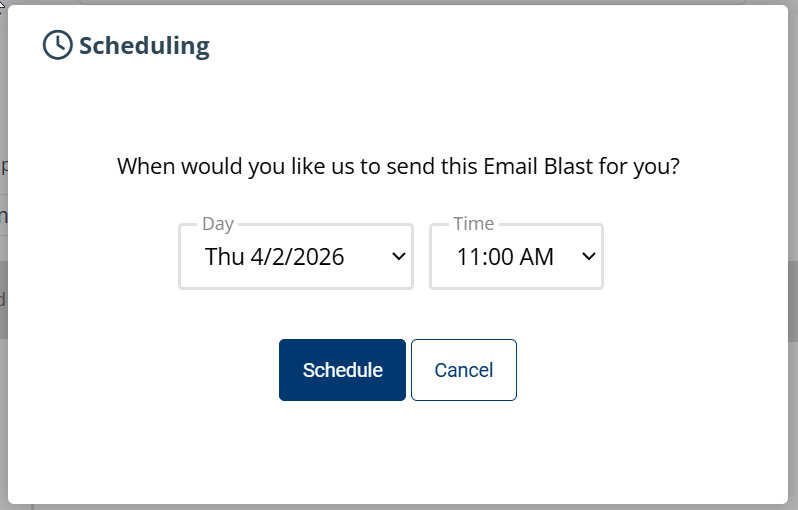
Plan your outreach with precision! You can now schedule email blasts up to 30 days in advance, giving your team more flexibility to prepare campaigns and stay ahead of your marketing calendar.
Board Options in Advanced Search
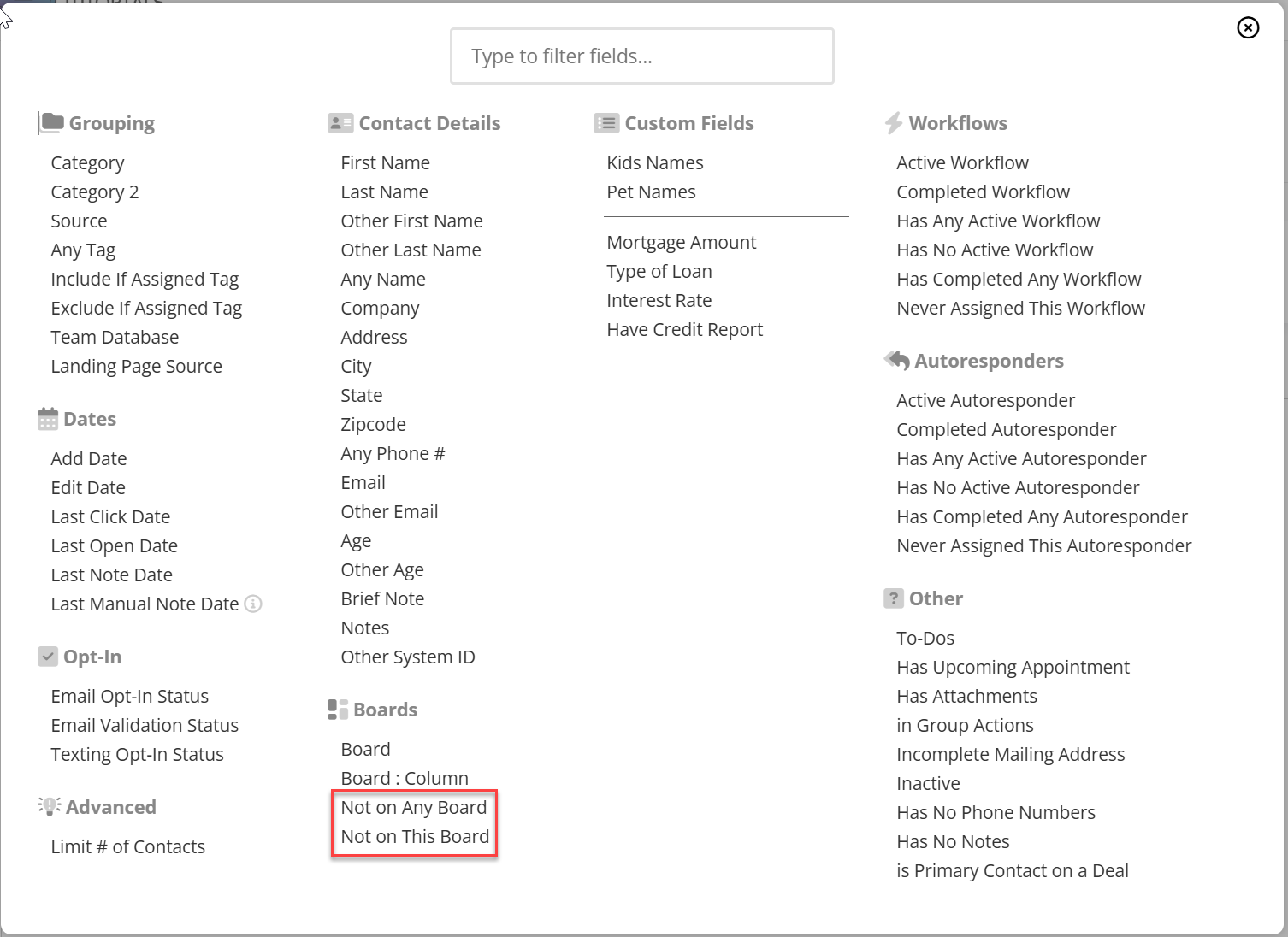
We’ve introduced two new Advanced Search filters to help you manage your pipeline more effectively. You can now specifically search for contacts who are not assigned to any Board, or filter for contacts not on a specific Board, ensuring no lead falls through the cracks.
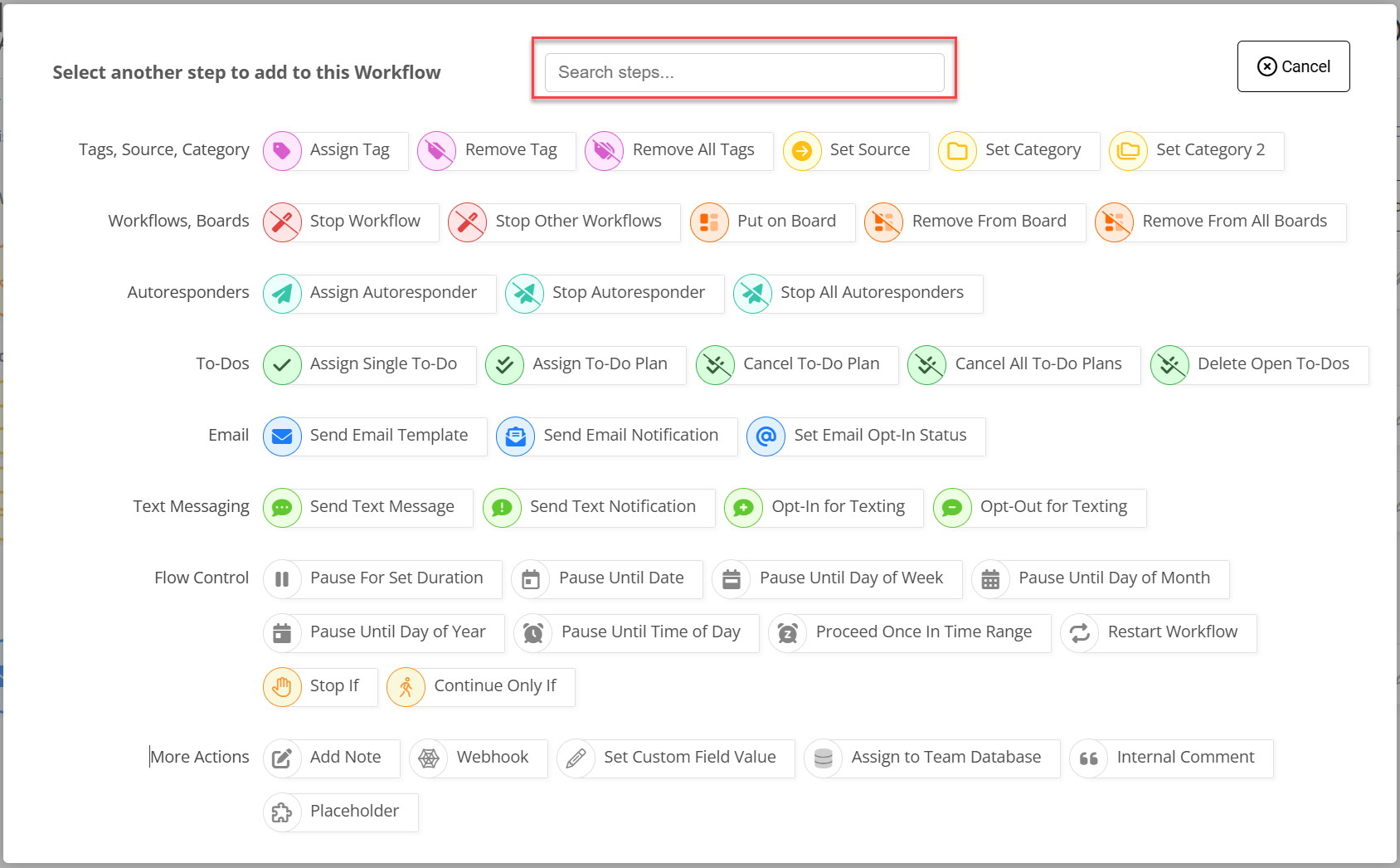
Search Workflow Action Steps
Finding the right workflow step is now faster than ever. Use the search bar at the top of the 'Add Action' screen to filter your options, then simply use your keyboard arrows and Enter to make your selection.
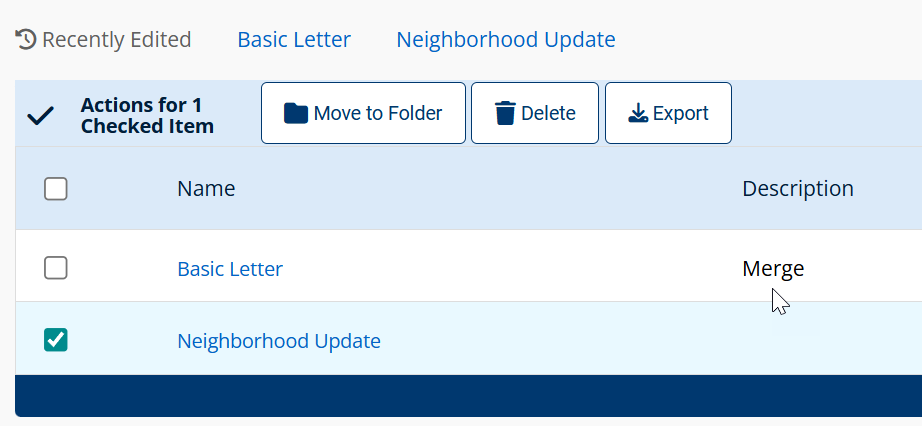
Bulk Manage Letter Templates
Streamline your template library with our new Bulk Management tool. You can now select groups of Letter Templates to Export, Delete, or Organize into Folders, saving you time and reducing manual effort.
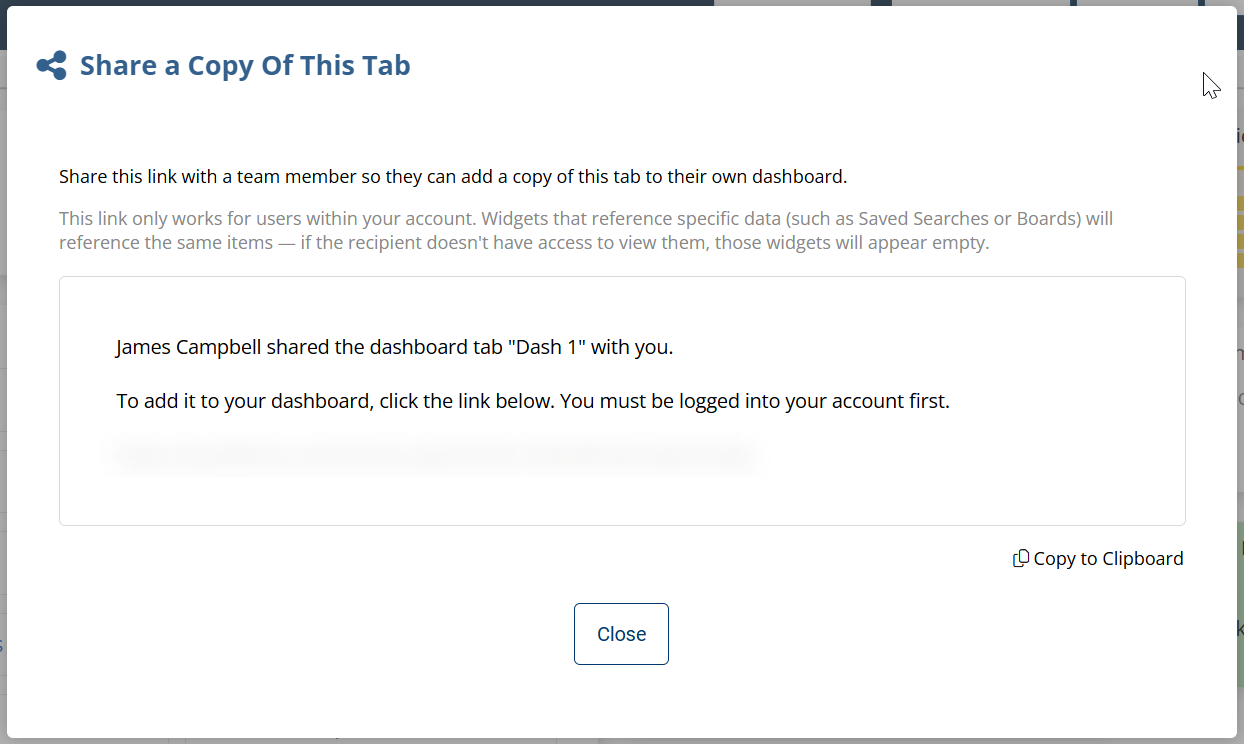
Team: Share Dashboard
Scale your best insights across your team. We’ve added a Share feature to the Edit Dashboard menu, allowing you to quickly distribute custom dashboard layouts via a shareable link.
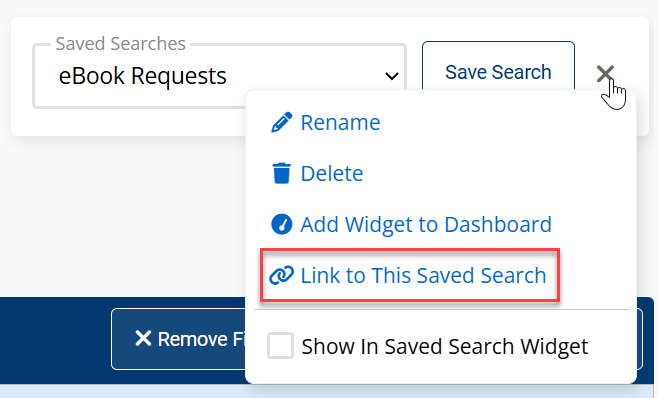
Team: Share Saved Searches
You can now share any saved search using the link found on the saved search screen. These links are especially useful for setting up dashboard widgets, allowing your team to sync their contact counts and stay aligned on key metrics.
Team: Choose Author on Add Note in Workflows
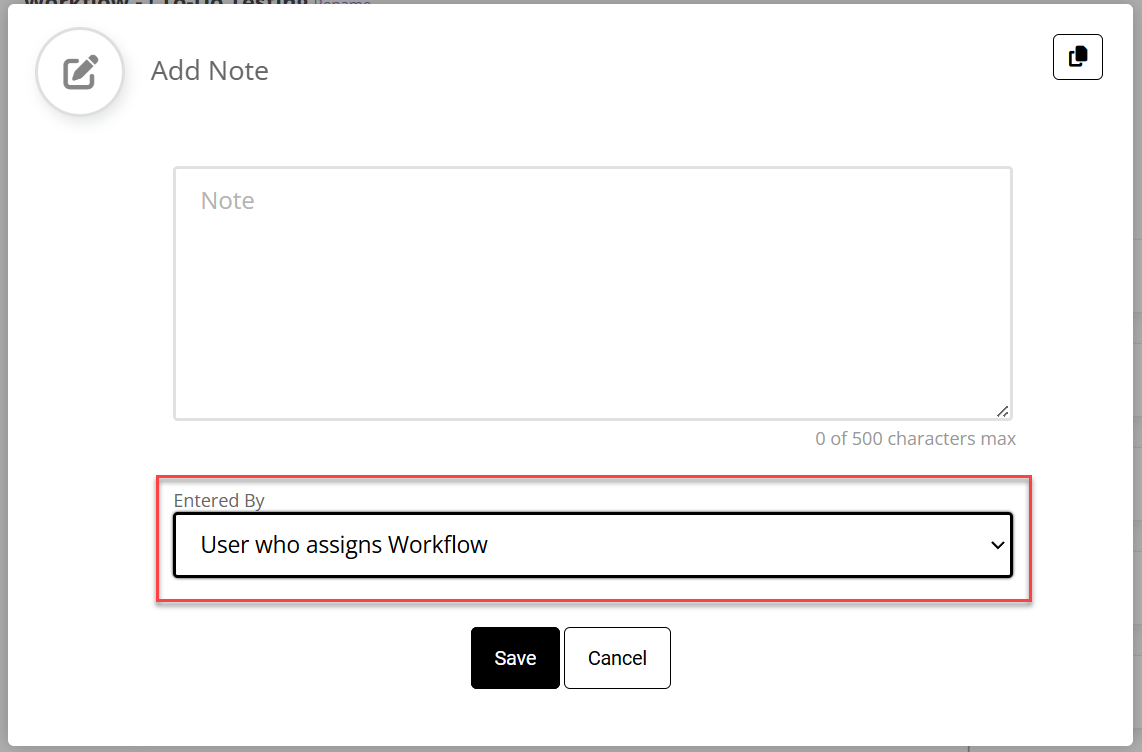
We’ve added Note Attribution to our automated workflows. When using a Workflow to add a note to a contact, you can now dynamically assign the Note Author. Choose from the Contact Owner, the user who triggered the workflow, or a specific team member.
Team: Export Notes includes Note Author
We’ve enhanced our Contact Notes export to provide better context. You now have the option to include the Team Member who authored each note, making it easier to track communication history and team activity.
Hide Features
You can now hide the Birthday Assistant and the Birthday and Anniversary Report if they don't align with your business model. This allows you to declutter the interface and deliver a leaner, more relevant CRM experience tailored strictly to your clients' needs.
Rename Options
We now have the option for you to fully rename the Action Center, Email Information Center, and Text Messaging Center to better fit your brand or regional spellings (like "Centre"). This flexibility ensures the CRM feels like a native extension of your business, reducing user friction and enhancing the client experience.