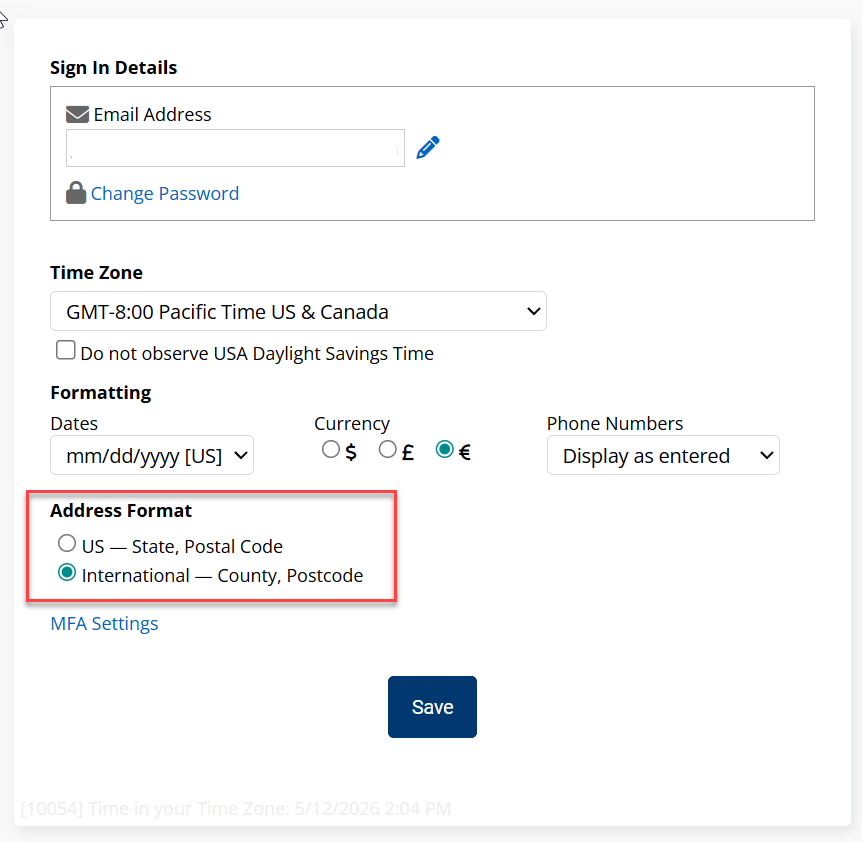
Important Dates, Boards: Trigger a Workflow and More…
MAJOR UPDATES
Important Dates
Track any recurring annual date for your contacts — policy renewals, loan anniversaries, home purchase dates, and more — and automatically trigger a workflow when each date arrives. You can also add an Important Dates widget to your dashboard to view upcoming dates at a glance. This feature will be turned on automatically with this update.
Learn more here: Important Dates Overview
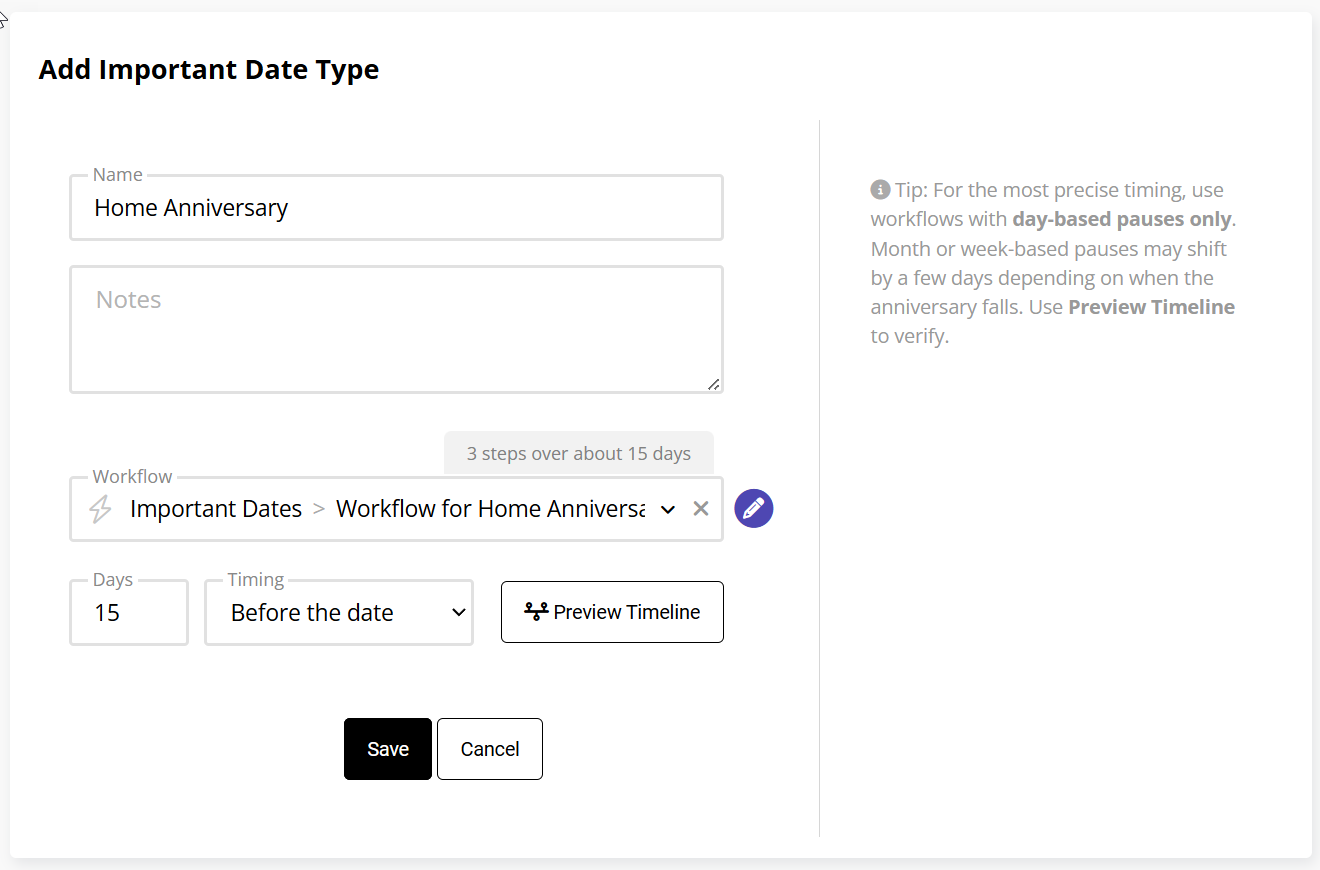
Boards: Trigger Workflow on Manual Column Move
Moving a contact manually from one Board column to another can now trigger a workflow, opening up new automation possibilities for pipeline-based processes.
OTHER UPDATES
Deals
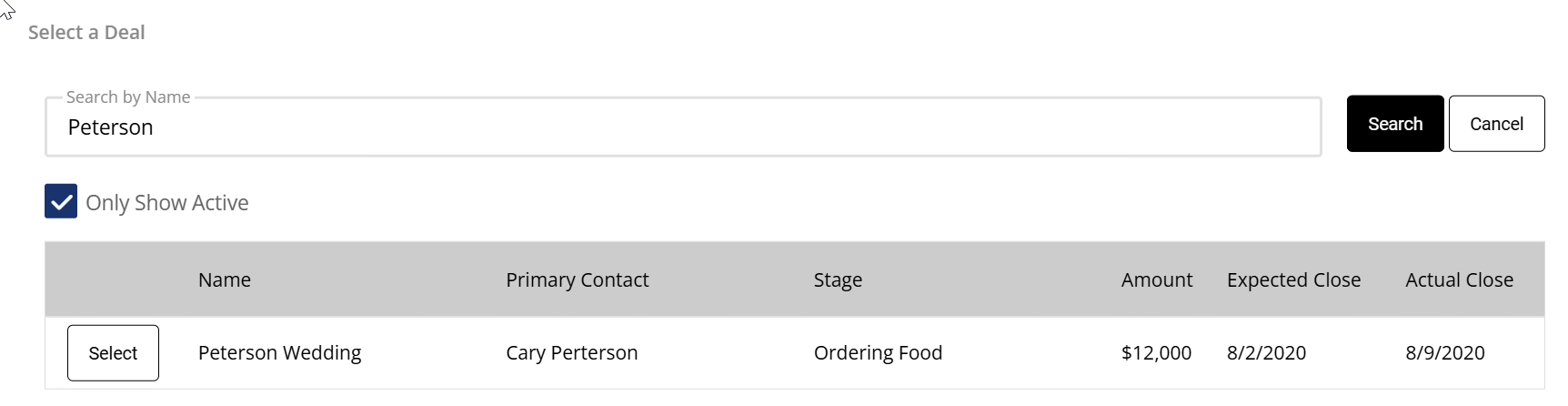
Appointments: Improved Deal Search
We've updated the search functionality for linking Deals to Appointments, making it faster and easier to find and connect the right deal.
Deal List: Search by Deal Name
Users can now search the Deal List page by deal name to find specific deals quickly.

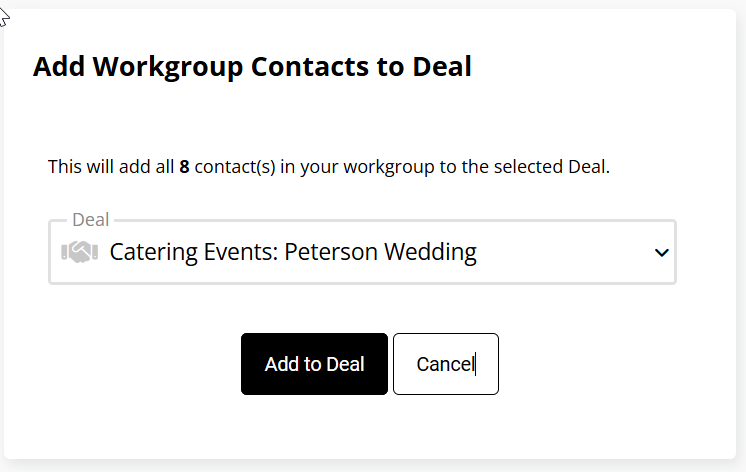
Group Actions: Add Contacts to a Deal
Use Group Actions to add multiple contacts to the Related Contacts section of an existing deal in one step.
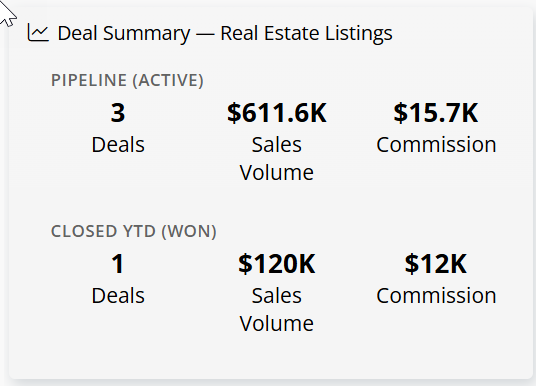
New Widget: Deal Summary
A new dashboard widget displays both the active deal pipeline and year-to-date closed deals in one view.
Boards & Group Actions
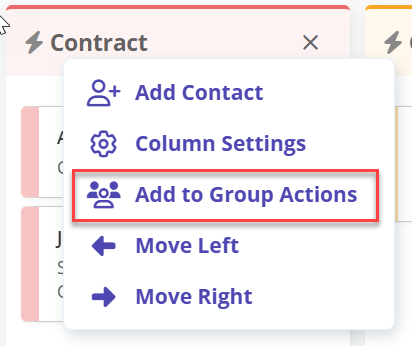
Boards: Add Column to Group Actions
Users can now select all contacts in a single Board column and send them to Group Actions — making it easy to send an email, add a to-do, or perform any bulk action on everyone in that stage at once.
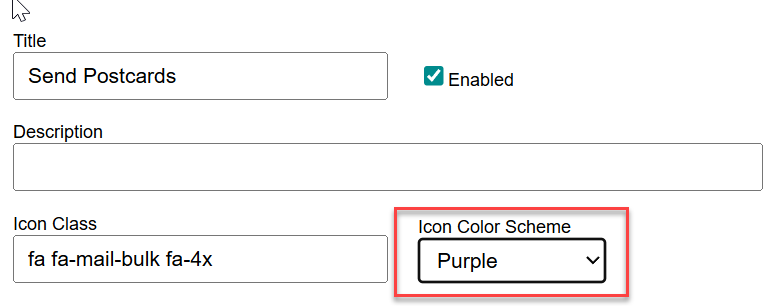
Custom Actions in Group Actions: Color Picker
Partners with custom actions enabled can now assign a color to each custom action icon using the new Color Picker to help your custom items fit in with our recent redesign in Group Actions.
Dashboard
Dashboard: Copy Owner Dashboard
When adding a new team member, account owners can now copy their own dashboard layout to the new user — saving setup time and ensuring a consistent starting experience. Let Jen know if you would like to use this option.
Mobile
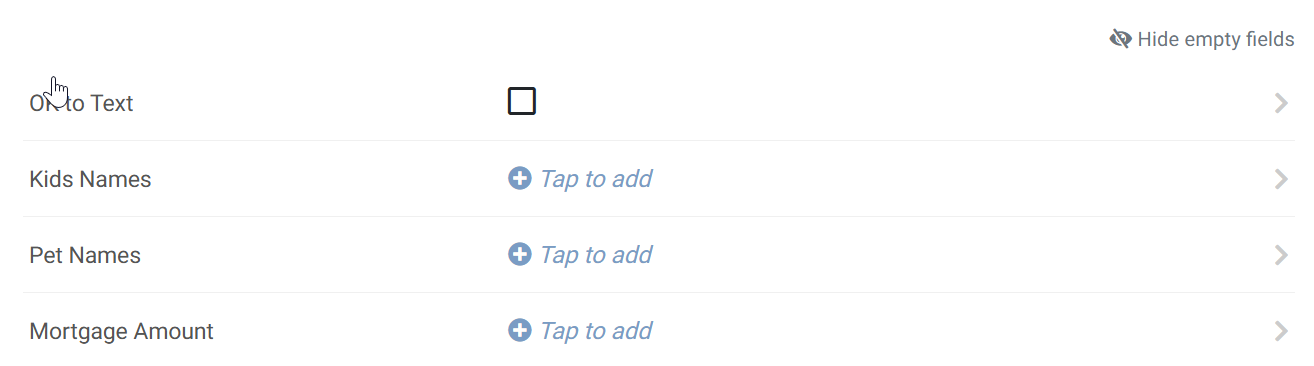
Mobile: Custom Fields
Users can now add, edit, and delete Custom Field information directly from the mobile app.
Search by Email & Phone
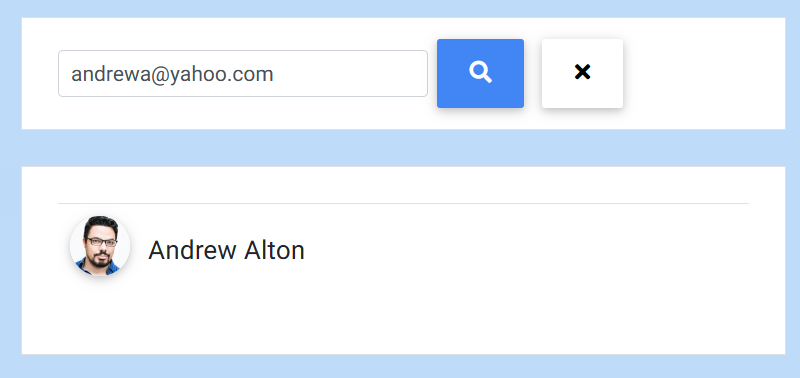
Contact search on mobile now supports searching by email address and phone number in addition to name.
Search & Contacts
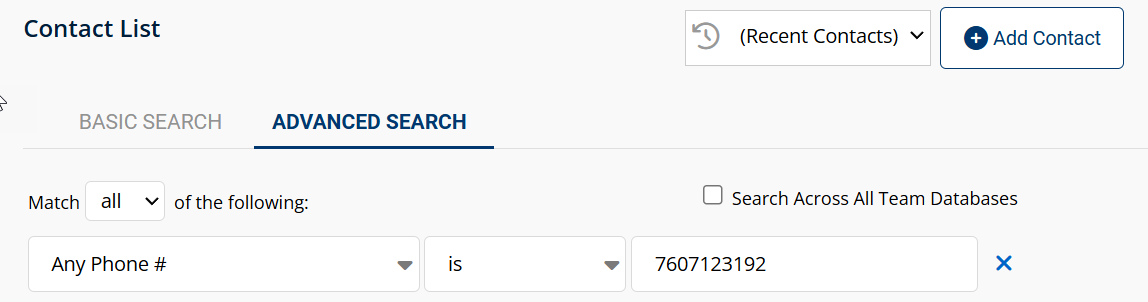
Advanced Search: Any Phone Is
The "Any Phone Is" advanced search now ignores phone number formatting and finds matches regardless of how the number was entered.
Texting
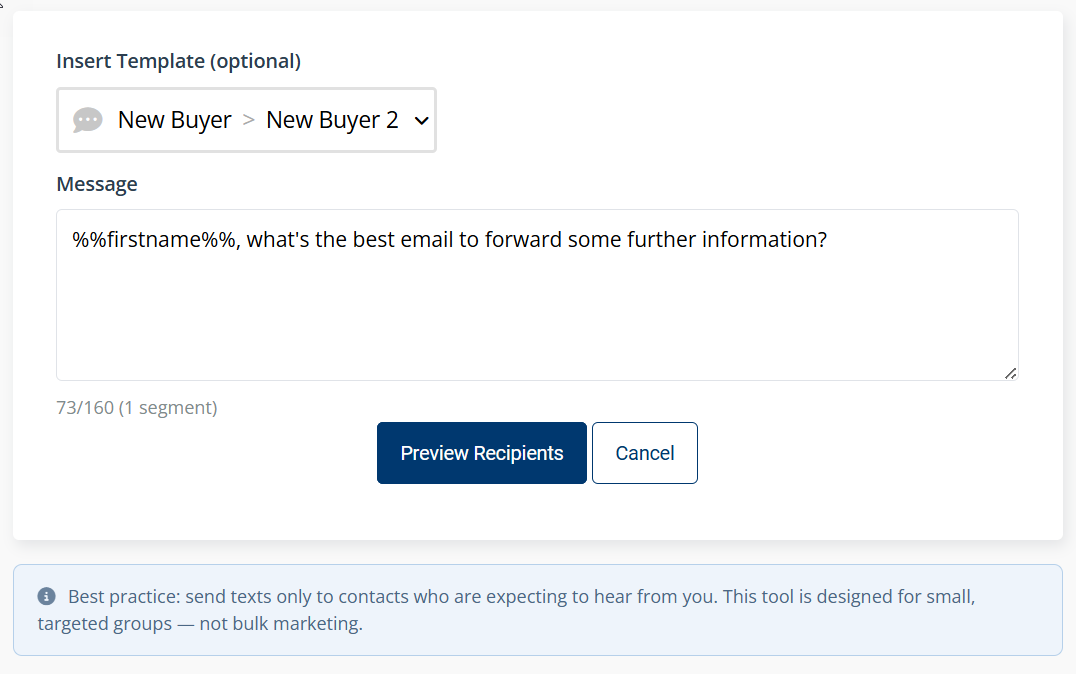
Text Blast (New Texting Mode)
Users on the New Texting Mode can now send a text blast to up to 10 contacts at once. If your customers aren't using texting yet, it's available — reach out to learn more.
Landing Pages
Progressive Landing Pages
Progressive Landing Pages now work with the new landing page editor. Collect additional information from contacts across multiple pages — data from the first page carries over automatically so contacts don’t have to re-enter anything.
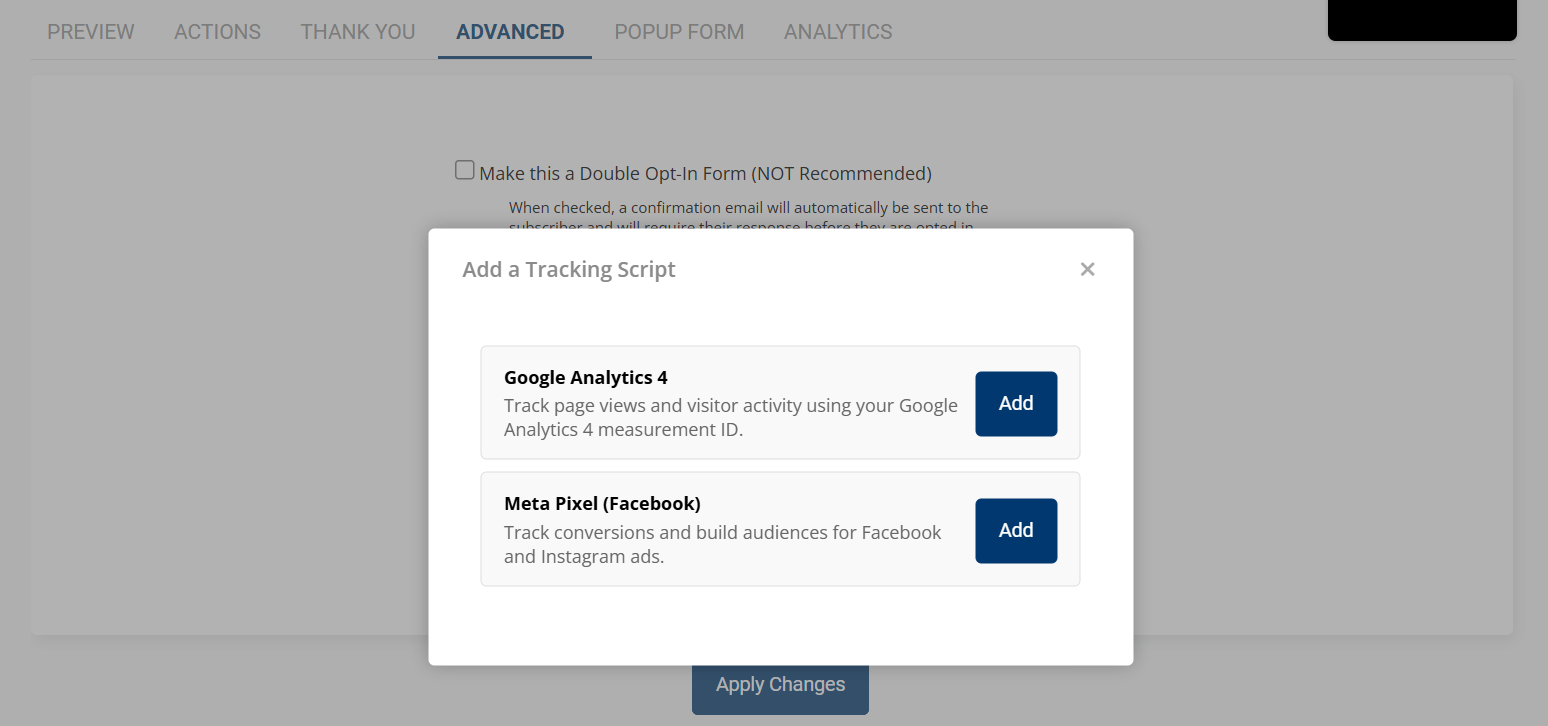
Tracking Scripts: Google Analytics 4 & Meta Pixel
If you need to track lead sources or measure ad performance, you can now add GA4 and Meta Pixel tracking scripts directly to your landing pages.
Account Settings
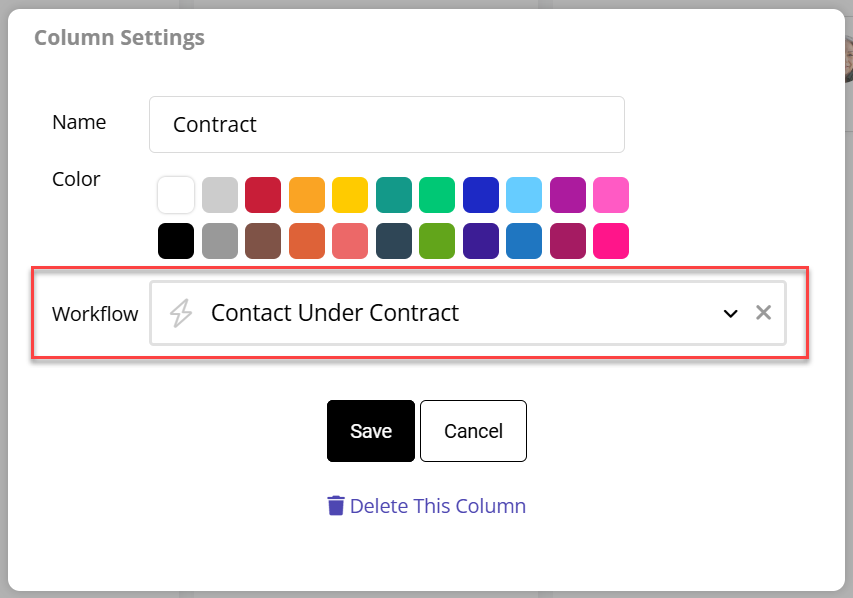
International Address Option
A new international address format is now available, using County and Postcode fields instead of City and Postal Code — better supporting users outside the US.