
Jumpstart Videos
New to AllClients? These short videos walk you through the basics. Start at the top and go in order, or jump to what you need.
-
 Length 1:11
1 Jumpstart Introduction
Start here for a quick introduction to the Jumpstart videos.
-
 Length 1:20
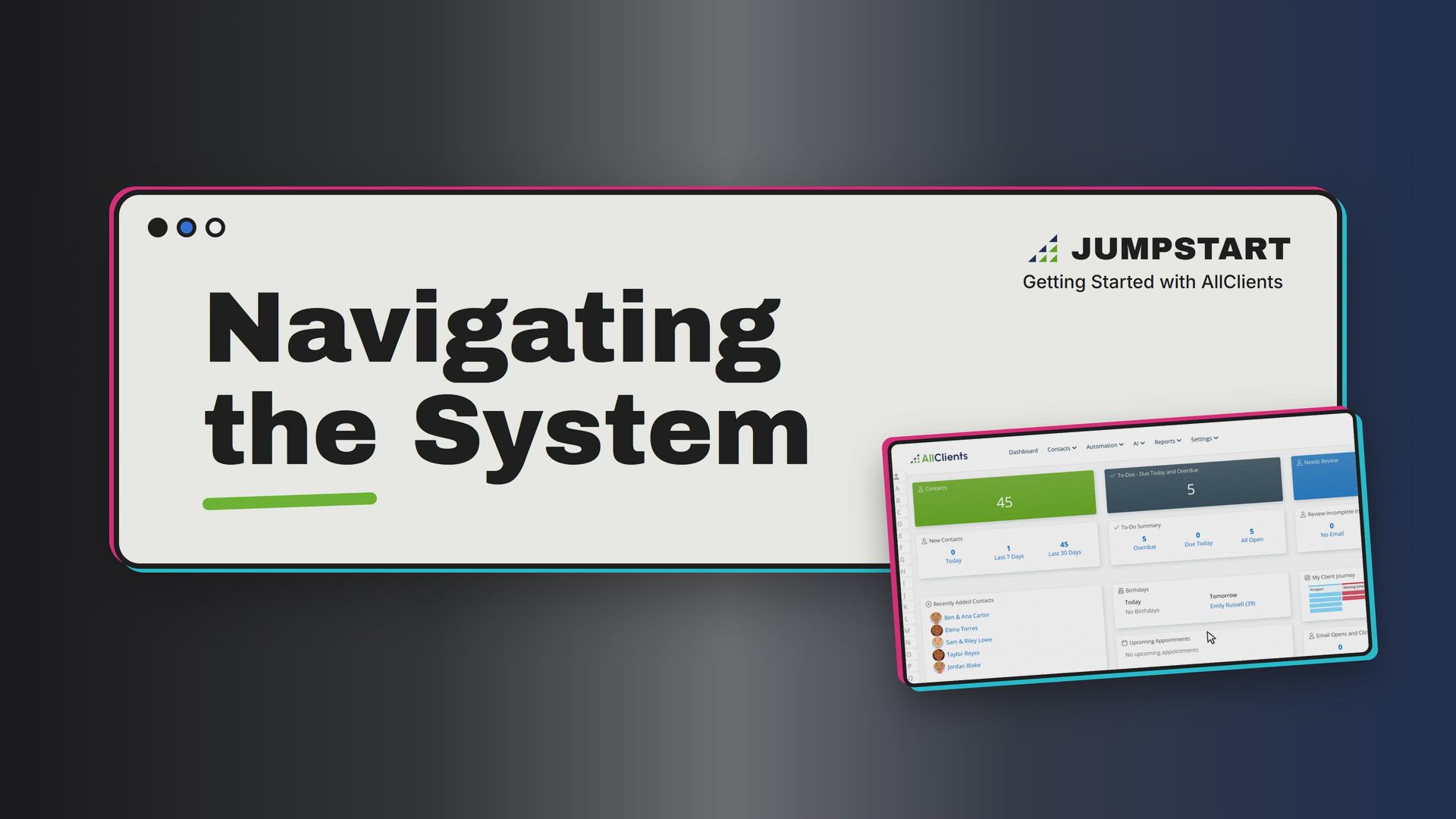
2 Navigating the System
Find your way around the main menus and screens.
-
 Length 1:06
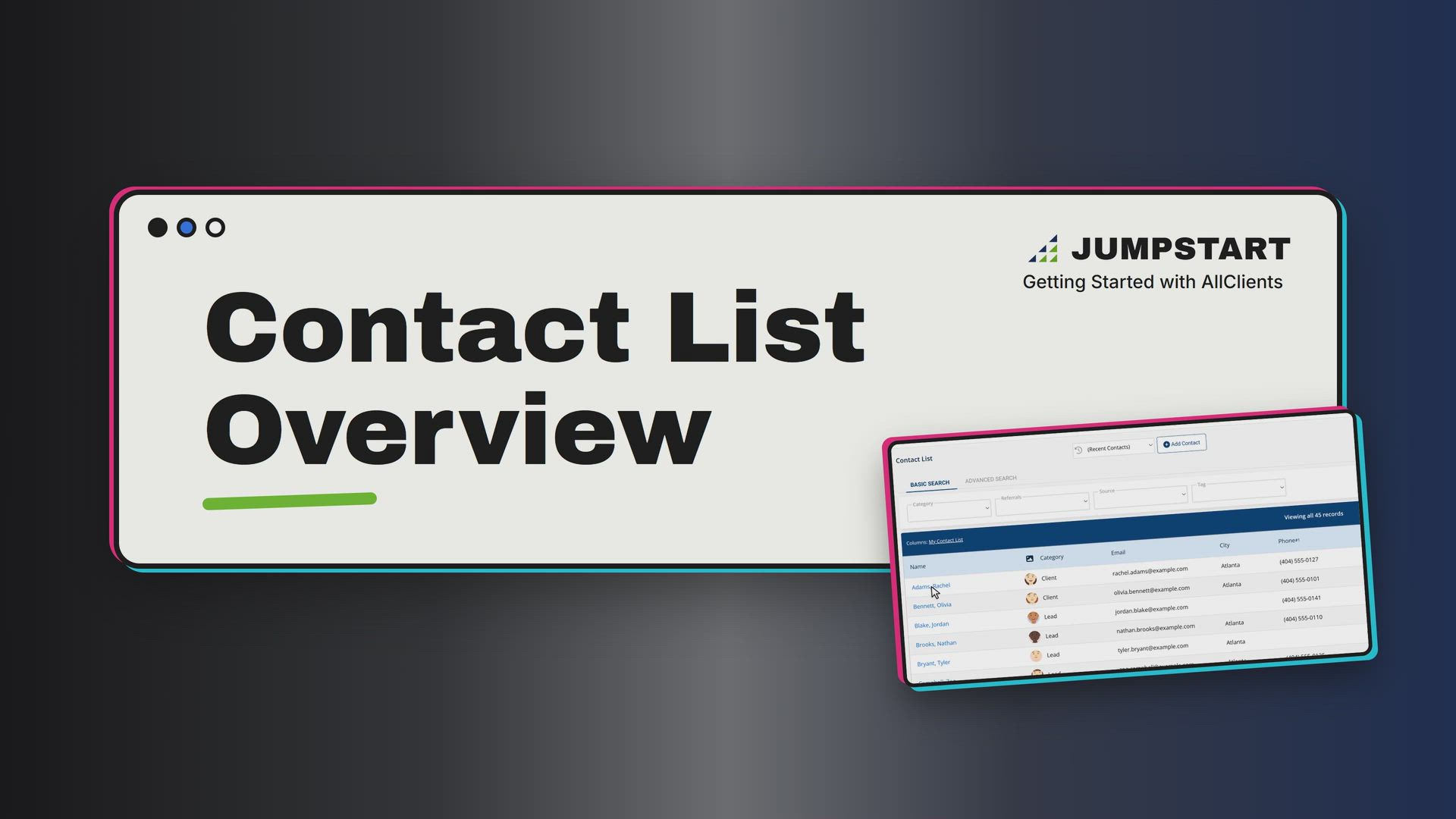
3 Contact List Overview
See and work with all your contacts in one place.
-
 Length 1:14
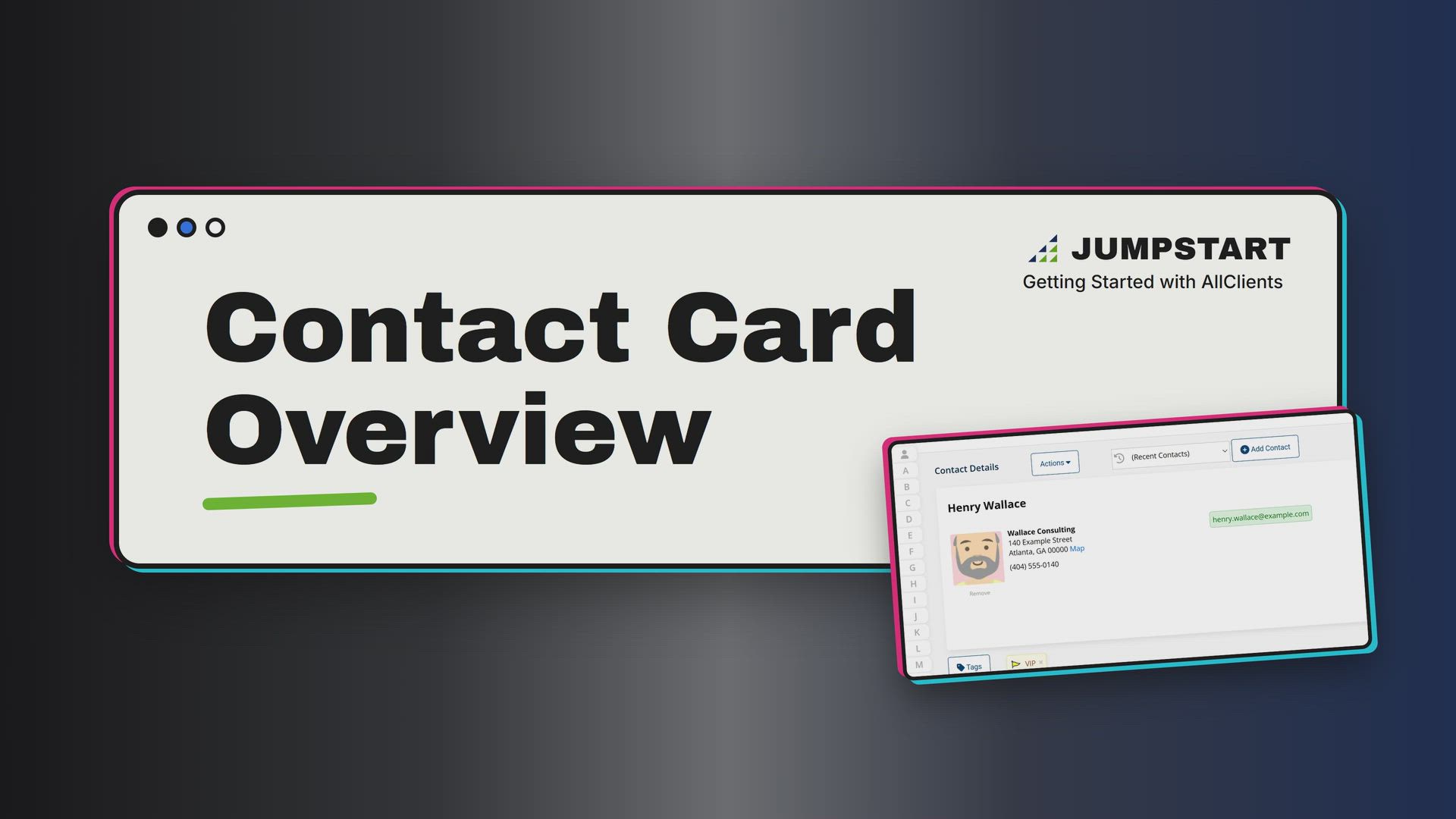
4 Contact Card Overview
Everything you can see and do on a contact record.
-
 Length 1:09
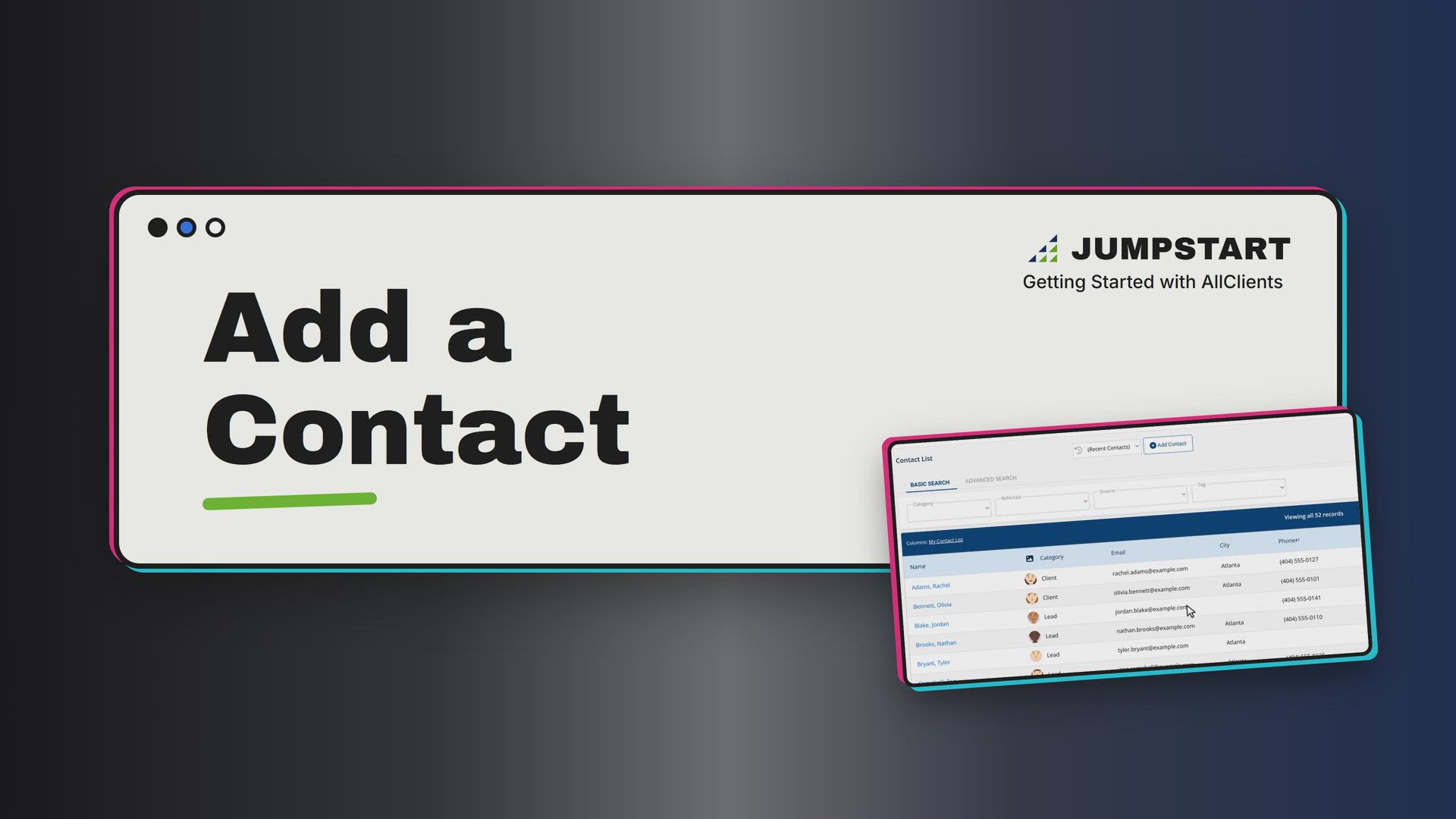
5 Add a Contact
Add a single contact to your database.
-
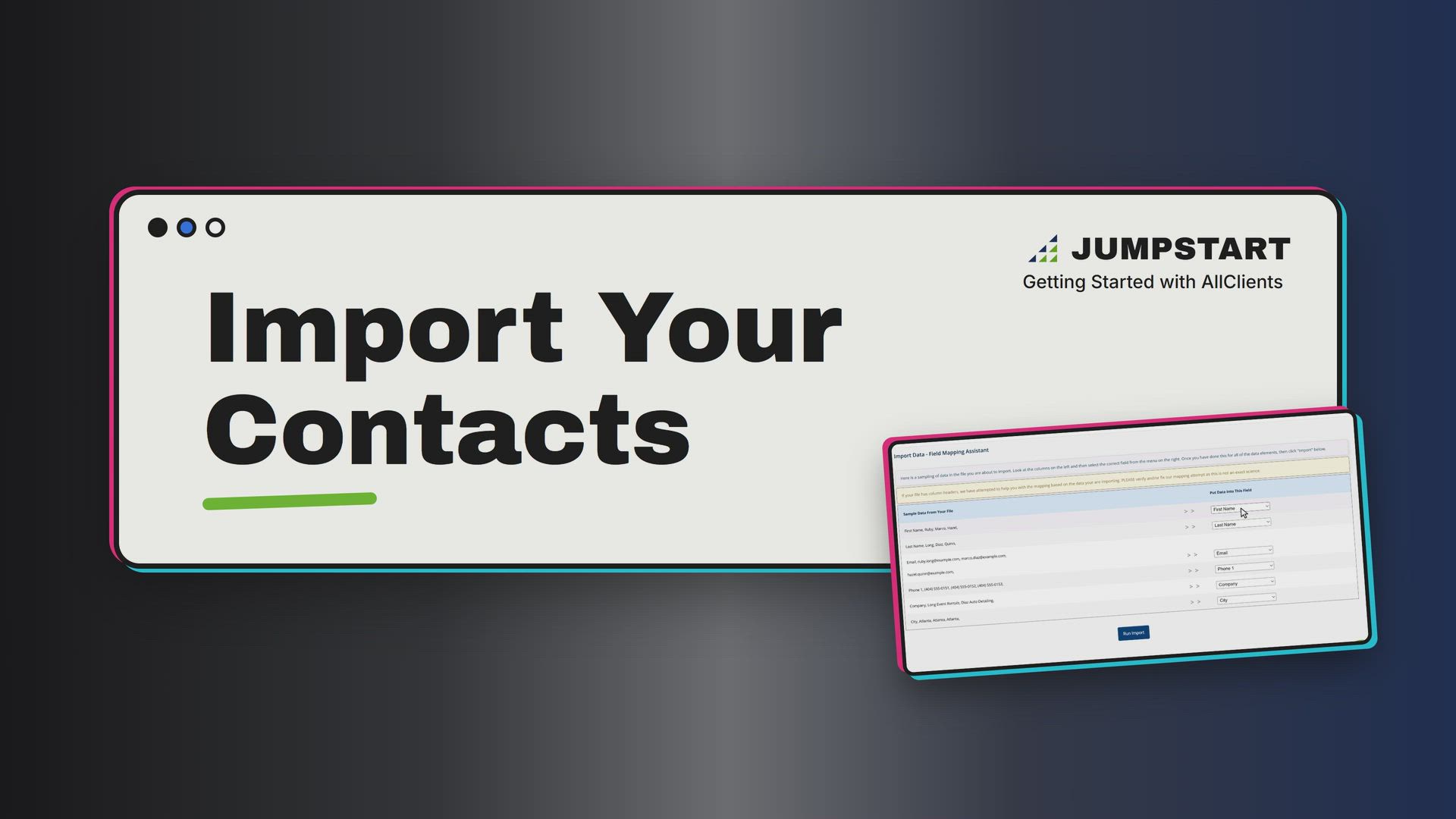 Length 0:57
6 Import Your Contacts
Bring in your existing contact list.
-
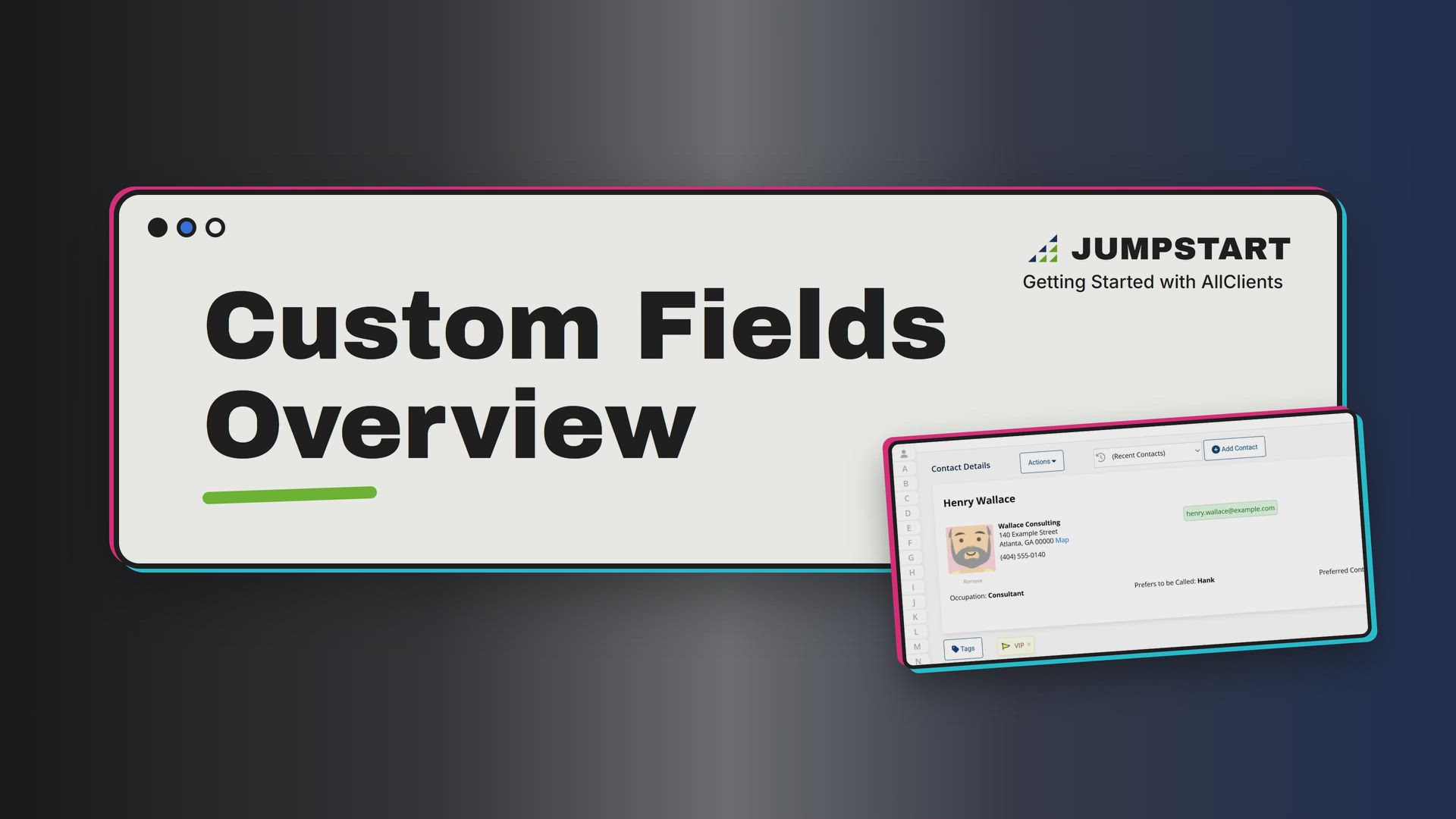 Length 0:54
7 Custom Fields Overview
Store extra information specific to your business.
-
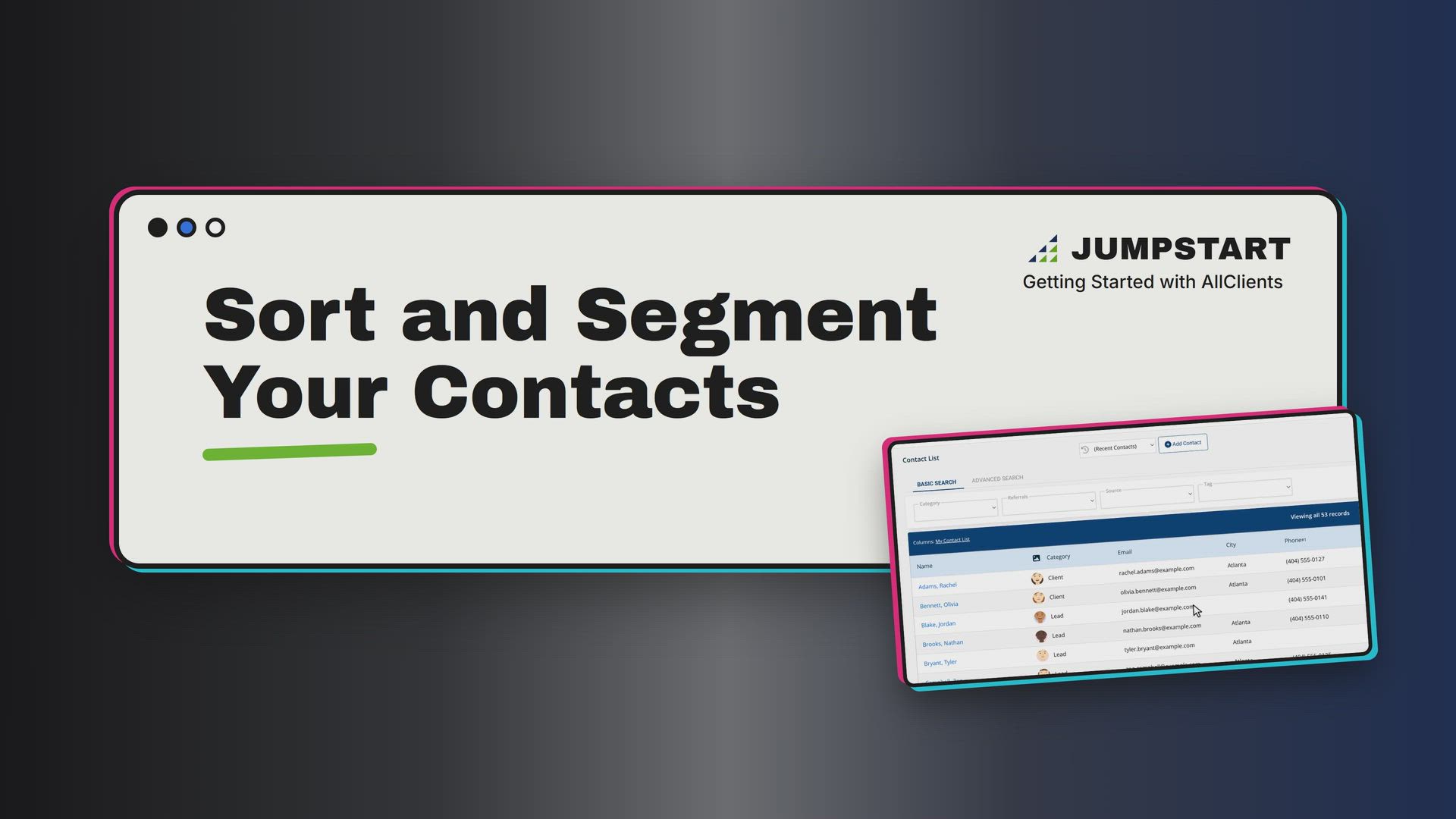 Length 0:54
8 Sort and Segment Your Contacts
Group your contacts so you can find and reach the right people.
-
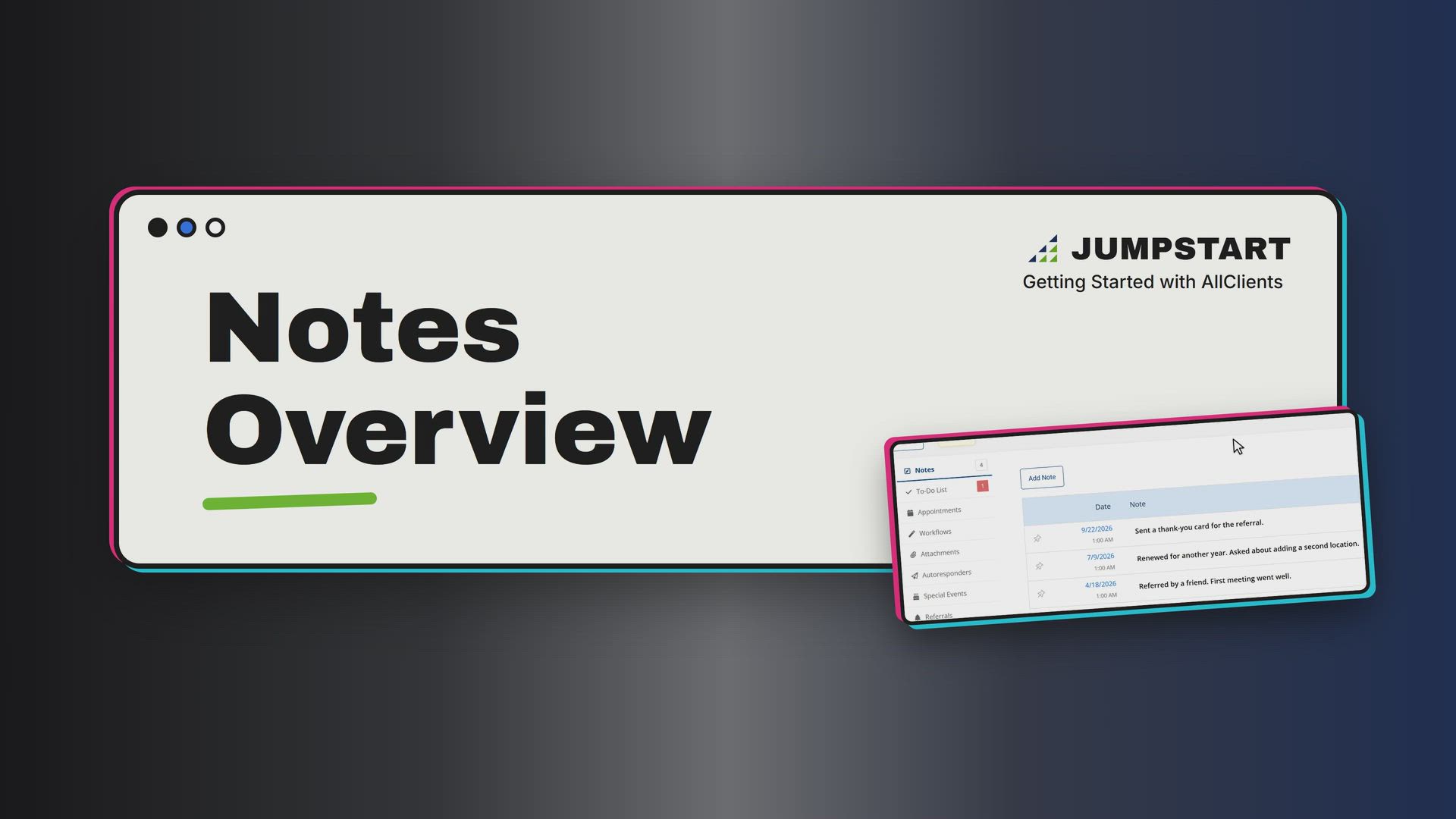 Length 0:35
9 Notes Overview
Keep track of important details on each contact.
-
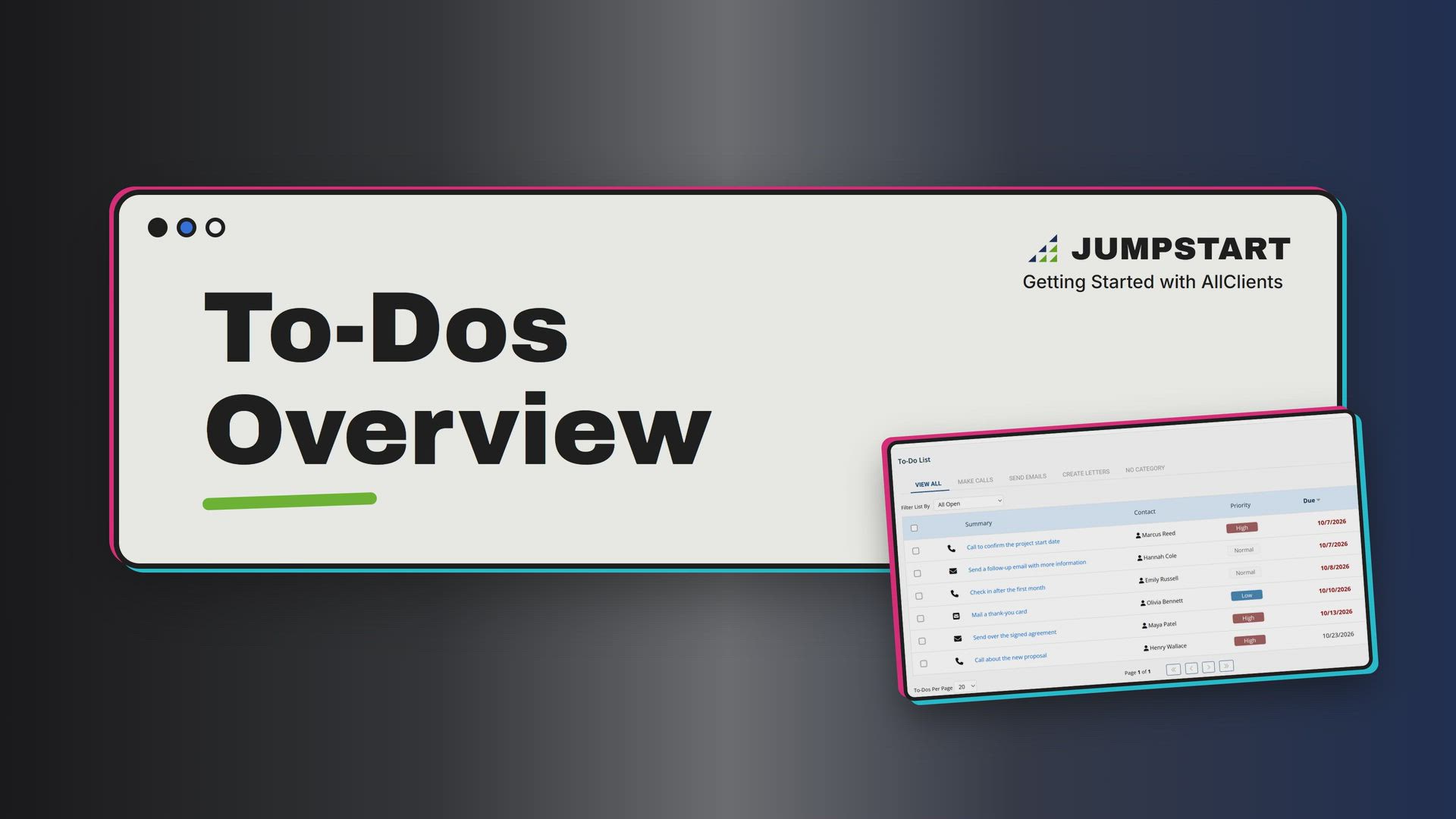 Length 0:56
10 To-Dos Overview
Create and manage to-dos for your contacts.
-
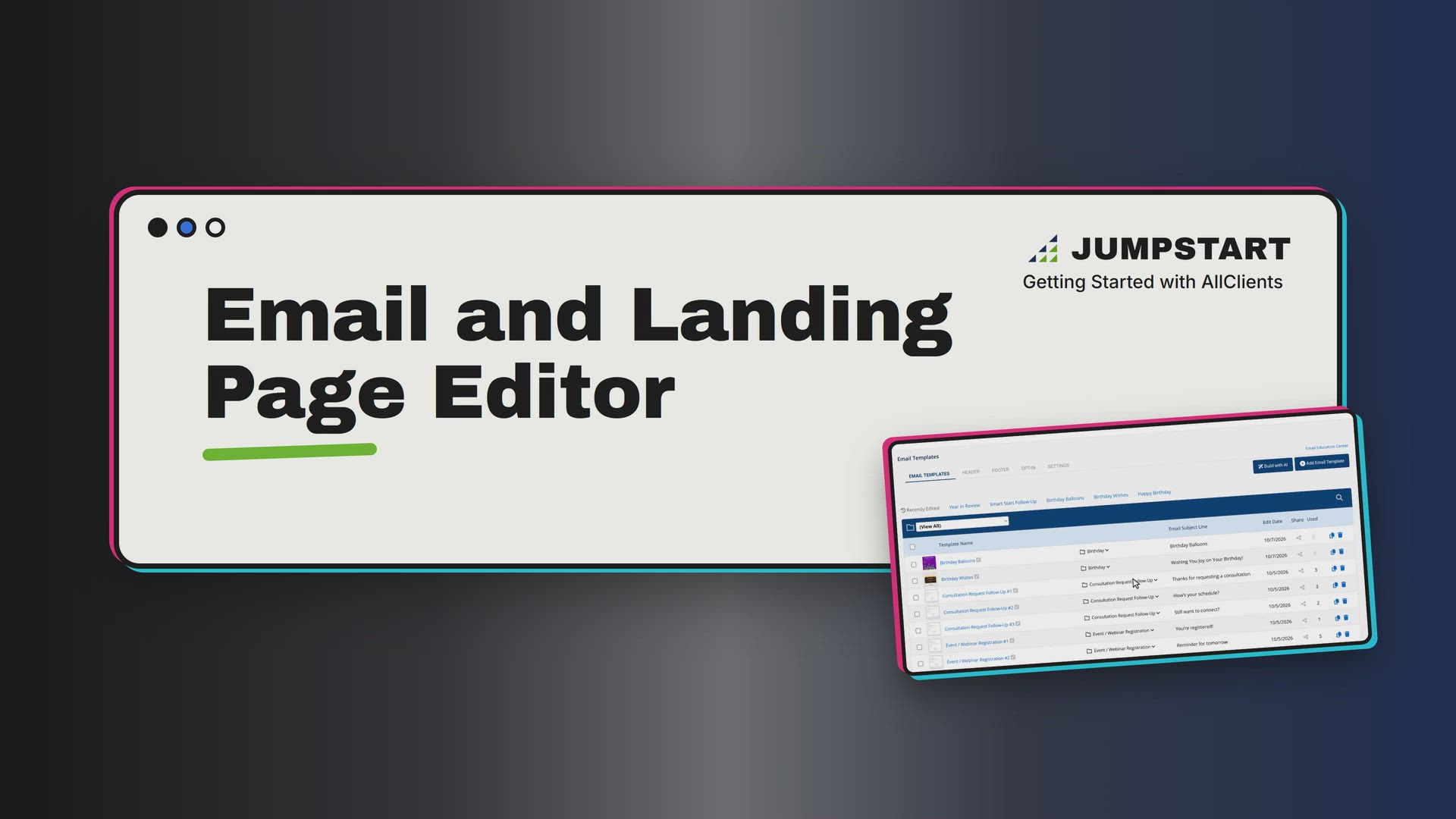 Length 0:58
11 Email and Landing Page Editor
Build emails and pages with the drag and drop editor.
-
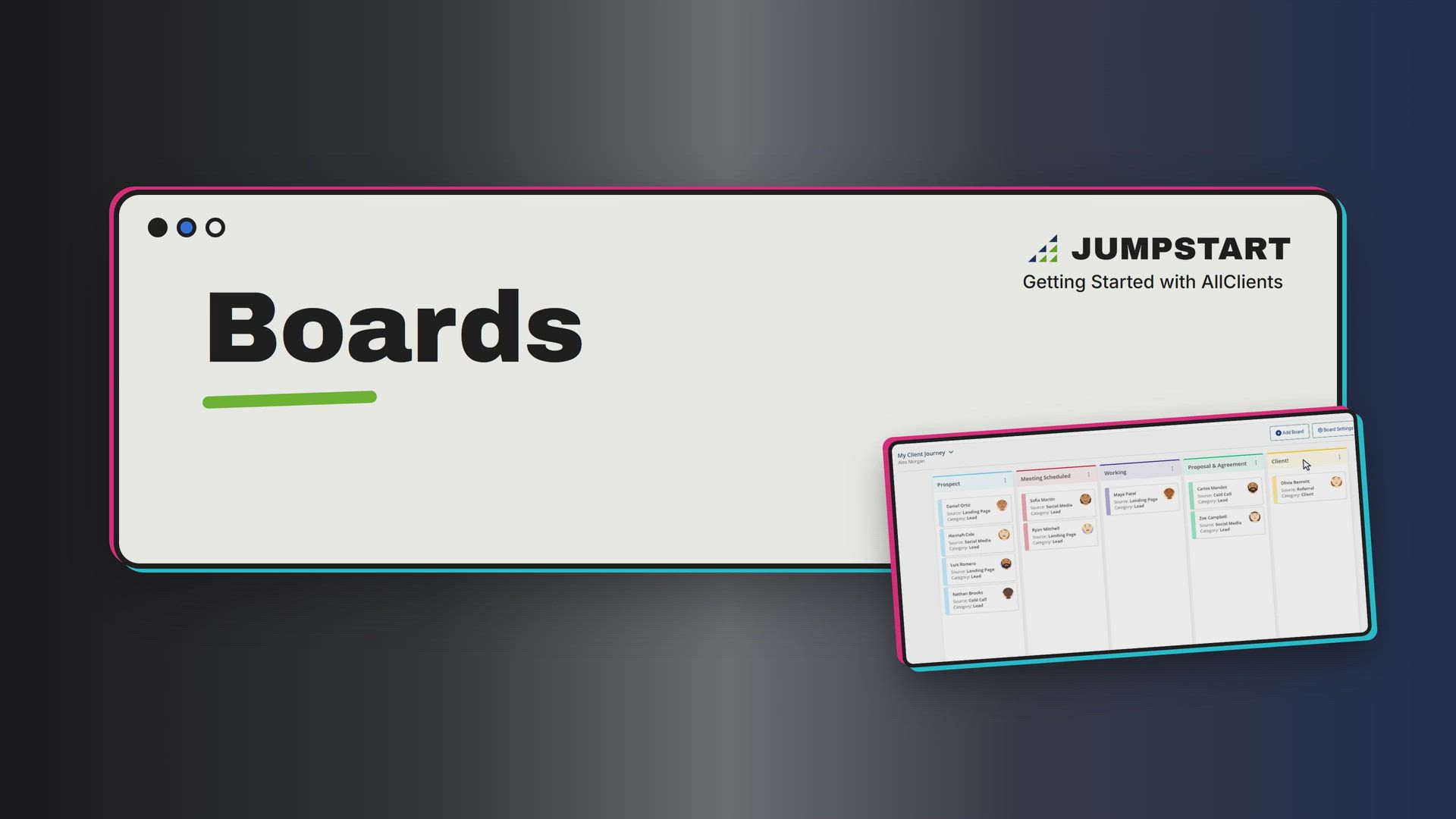 Length 1:04
12 Boards
Track client journeys with boards.
-
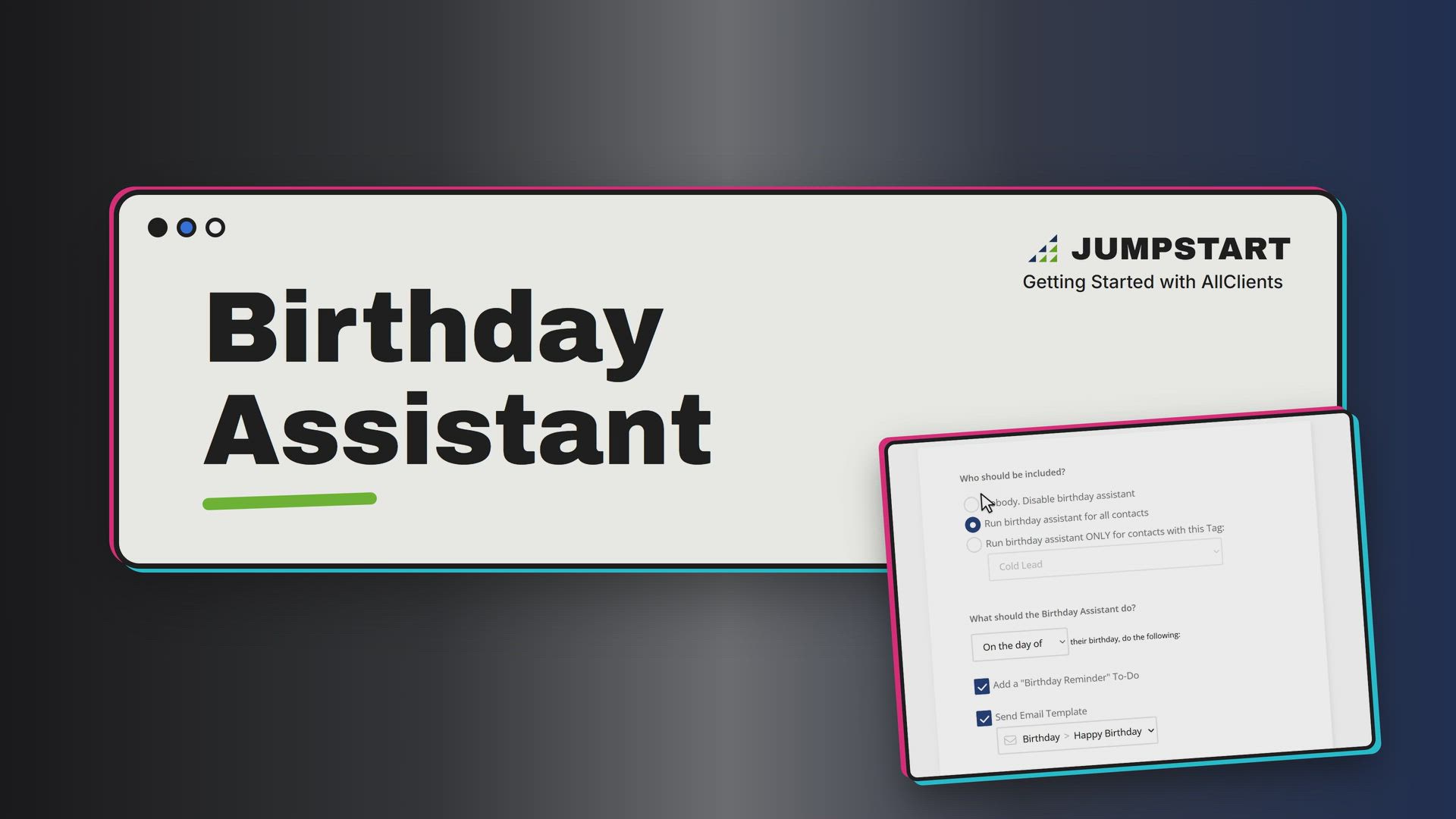 Length 0:42
13 Birthday Assistant
Never miss a client birthday.
-
 Length 0:46
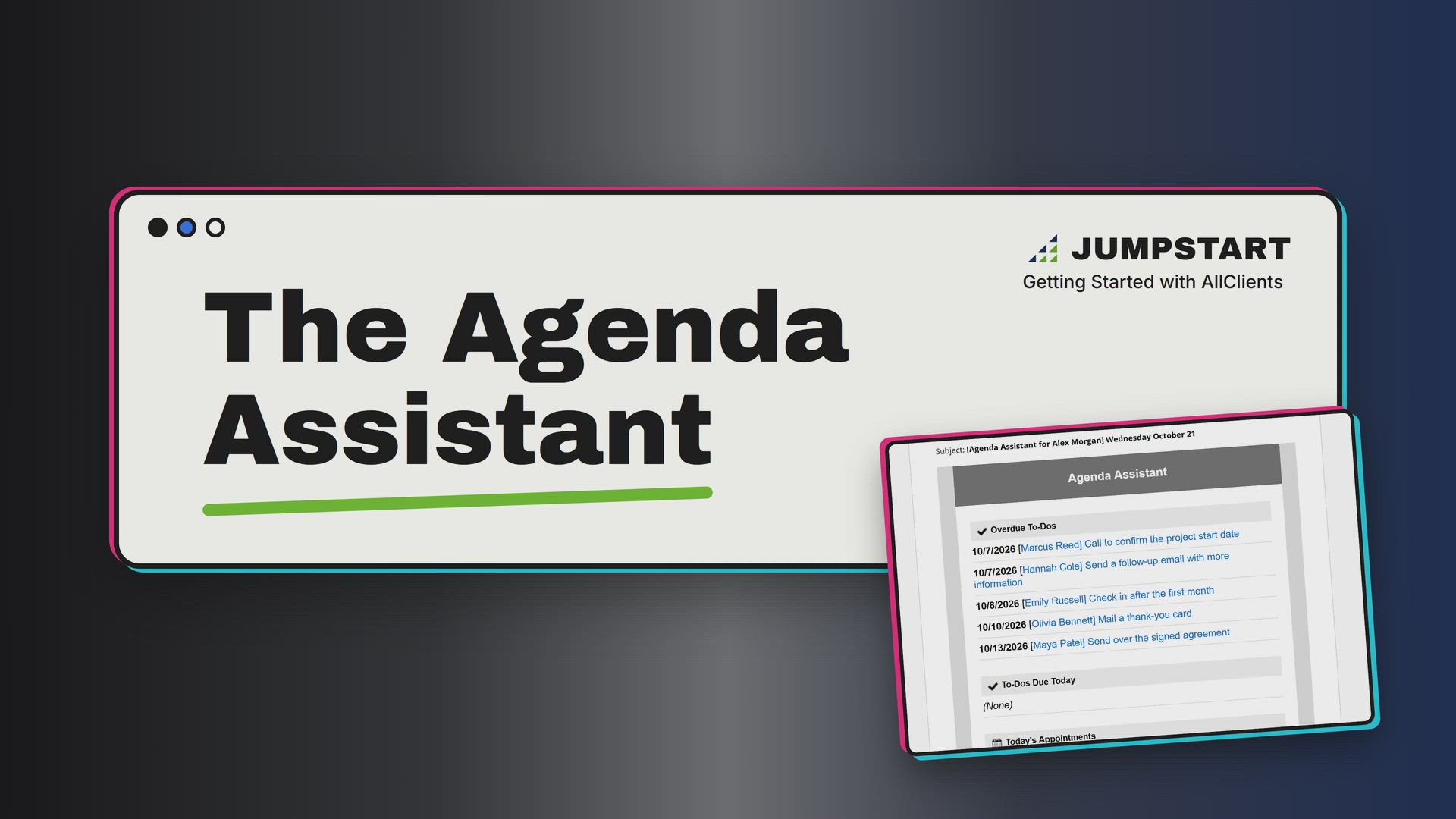
14 The Agenda Assistant
Get reminders about your appointments and to-dos.