
Passwords, MFA, Authenticator Apps, Passkeys, and PINs... What’s the Difference?
Introduction
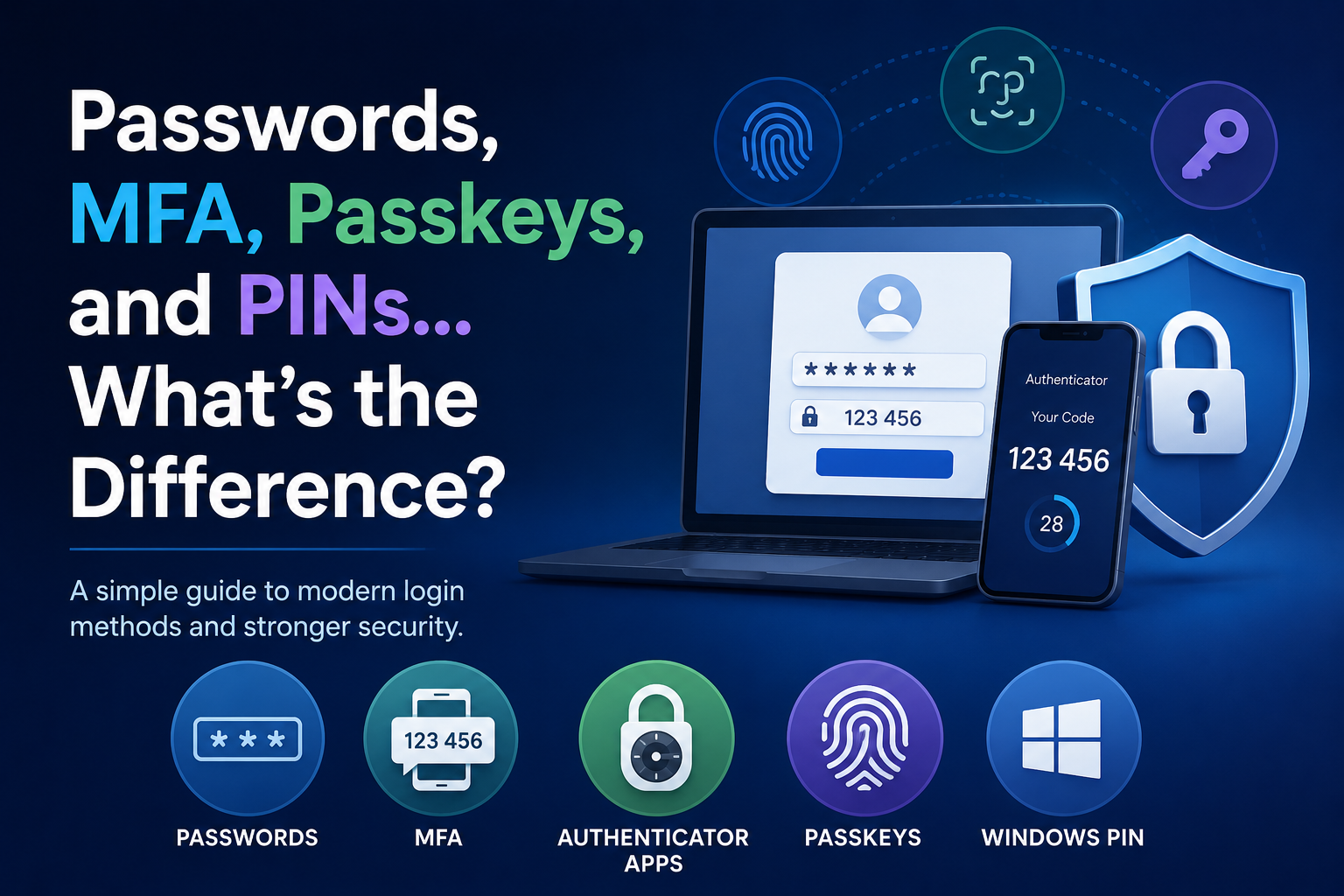
If you feel like logging into websites has become more confusing over the past few years, you are definitely not alone. In the good ole days, most websites simply asked for a username and password and that was the end of it. Today, you may be asked for a text-message code, an authenticator app code, a fingerprint, Face ID, a passkey, or even a PIN tied to your device.
For many people, it feels like every website suddenly has its own security system and its own terminology. The average user is often left wondering: “What do all these things actually mean, and why are companies making sign-in so complicated?”
The good news is that most of these systems solve the same basic problem: ensuring the person signing in is really you. Let’s break down the most common login methods in plain English.
Passwords
Passwords are still the traditional way to sign into most accounts. A password is simply “something you know.” Examples include your email password, your bank password, or the password you use for your favorite streaming service.
The problem is that passwords are surprisingly easy to compromise. People often reuse the same password across multiple websites, choose easy-to-guess passwords, or accidentally give them away through phishing emails and scams. Data breaches have also become extremely common, which means millions of passwords are exposed online every year.
That is why companies started adding additional layers of security beyond passwords alone.
MFA (Multi-Factor Authentication)
MFA stands for Multi-Factor Authentication. The idea behind MFA is simple: instead of proving your identity with a single factor, like a password, you prove it with two factors.
Usually, that means:
something you know (your password)
and something you have (your phone or another trusted device)
Even if someone steals your password, they still cannot access your account without the second factor.
This is why MFA has become so common in banking, email systems, business software, and social media accounts. Stolen passwords are everywhere, but MFA helps make them far less useful to attackers.
Not All MFA Works the Same Way
One thing that confuses many people is that there are actually different types of MFA. Most users simply think, “I got a code on my phone,” but how those codes work behind the scenes can vary widely.
SMS MFA (Text Message Codes)
The most familiar type of MFA is text-message verification. After you enter your password, the website sends a temporary 6-digit code to your phone via SMS. You then type that code into the website to complete the login.
This is still considered MFA because you are using:
your password
plus access to your phone number
SMS MFA is popular because it is easy to understand and easy to set up. However, security experts generally consider it less secure than newer methods because phone numbers can sometimes be hijacked through scams known as SIM-swap attacks.
That said, text-message MFA is still much safer than relying solely on a password.
Authenticator Apps
Authenticator apps are another form of MFA, and they are becoming increasingly common for business accounts and more security-conscious users.
Popular authenticator apps include:
Google Authenticator
Microsoft Authenticator
Authy
1Password
Bitwarden
Unlike SMS MFA, no text message is sent. Instead, the app itself generates a temporary code directly on your device. The code changes every 30 seconds and is tied to your account setup.
This approach is generally considered more secure because the verification code is never traveling through the phone system. It also means that authenticator apps continue to work even if your phone temporarily loses cellular service.
At AllClients, this is the MFA type we currently use. Users can securely generate login codes using standard authenticator apps rather than relying on text-message verification.
Passkeys
Passkeys are one of the newest login technologies and are designed to eventually replace passwords altogether.
Instead of creating and remembering a password, your device itself becomes the security key. You typically sign in using Face ID, fingerprint recognition, a screen lock, or a device PIN.
Many people worry that websites are storing their fingerprints or facial scans, but that is generally not how passkeys work. In most cases, your device simply confirms locally that you are the authorized user and then securely approves the login.
Passkeys are gaining popularity because they are both easier to use and harder for attackers to steal or trick users into revealing. Major companies like Apple, Google, and Microsoft are investing heavily in passkey technology, and many security experts believe it represents the future of online sign-ins.
Windows PIN vs Your Microsoft Password
This is another area that causes a lot of confusion.
Many people assume their Windows PIN and Microsoft password are the same thing, but they usually are not.
Your Microsoft password unlocks your actual Microsoft account across services like Outlook, Microsoft 365, and OneDrive. Your Windows PIN, on the other hand, is often tied only to that specific computer.
Think of it this way:
your Microsoft password unlocks your account
your Windows PIN unlocks your device
That is why you can often change your Microsoft password without changing your computer PIN.
“Remember This Device”
Many websites now offer a checkbox that says something like: “Remember this device for 30 days.”
This is simply a convenience feature designed to reduce how often you are asked for MFA verification. After you successfully complete MFA once, the website temporarily trusts that browser or device, so you are not asked for another code every single time you sign in.
Eventually, that trust expires, and the website asks for verification again.
So Which Login Method Is Best?
There is no perfect answer because security always involves balancing protection and convenience.
Password-only login is still the simplest approach, but it is also the weakest. Adding MFA significantly improves security, especially for business accounts and important personal accounts like email and banking.
Authenticator apps are generally considered stronger than text-message MFA, while passkeys are emerging as one of the most secure and user-friendly options available today.
Why Are Companies Adding All This Security?
The short answer is simple: password theft has become extremely common.
Phishing emails, malware, reused passwords, and data breaches happen every day. Modern security systems are designed to make stolen passwords less useful and harder for attackers to exploit.
Yes, all the extra prompts, codes, and login approvals can occasionally feel frustrating. But the goal is not to make life harder. The goal is to make it much more difficult for someone else to access your accounts and personal information.
Final Thoughts
Right now, online security is in transition. Passwords still exist everywhere, but newer technologies like authenticator apps and passkeys are quickly changing how sign-ins work.
That is why one website may text you a code, another may ask for Face ID, and another may use an authenticator app.
The good news is that you do not need to understand all the technical details to use these systems safely. Simply understanding the basic differences among passwords, MFA, passkeys, and PINs can make modern logins feel much less confusing.
