
Why Connecting Your Gmail or Outlook Inbox to Your CRM Matters
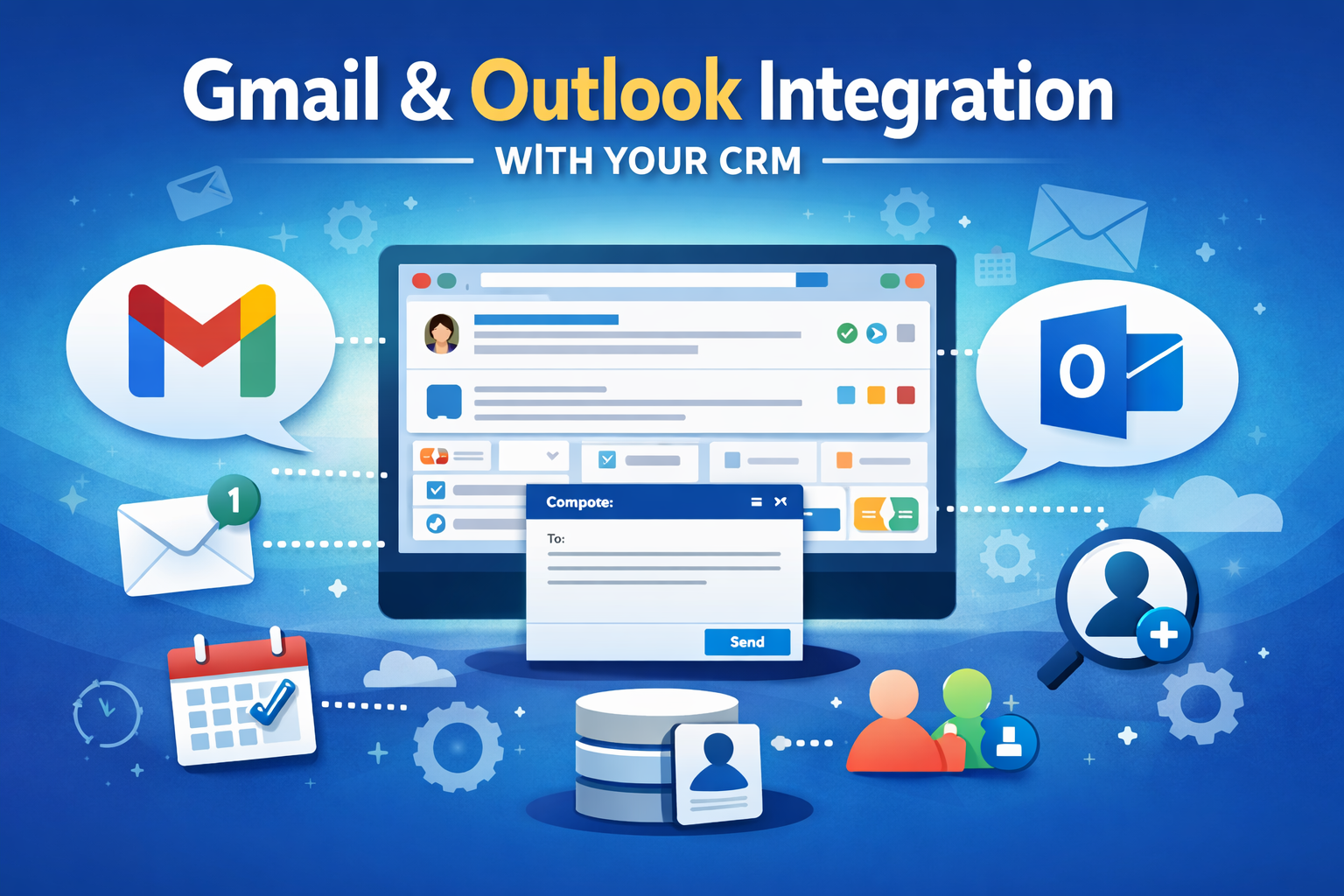
For many businesses, email is where relationships actually happen.
Clients ask questions. Prospects respond to proposals. Conversations move forward. Deals get made.
But in many cases, those conversations live in Gmail or Outlook while the actual contact records live in a CRM. That separation forces users to jump between tools just to see the full picture of a relationship.
When your inbox and your CRM are connected, that gap disappears. Your communication history and your contact information live together, making it much easier to stay organized and follow up effectively.
Why It Helps to Connect Your Inbox
When your Gmail or Outlook account is connected to your CRM, your everyday communication becomes part of the contact record automatically.
Instead of searching through your inbox to remember what was discussed, you can open the contact and immediately see the conversation history alongside notes, reminders, and other CRM activity.
This makes it easier to:
• See the full history of your communication with a contact
• Keep conversations organized alongside notes and follow-up tasks
• Avoid switching back and forth between multiple tools
• Maintain better context when continuing a conversation
The goal is simple: keep everything related to a relationship in one place.
One-to-One Email vs. Marketing Emails
One-to-one emails are the everyday messages you send directly to clients, prospects, and business contacts from your normal Gmail or Outlook account.
Marketing emails are different. These are typically newsletters, campaigns, or automated messages sent to larger groups of contacts using dedicated email delivery systems.
Both types of communication are important, but they serve different purposes. One-to-one emails are about personal conversations and relationship building, while marketing emails are designed for broader communication and outreach.
Connecting your Gmail or Outlook inbox to your CRM allows those personal conversations to stay organized alongside your contact records while still sending emails through your regular email account.
Most CRMs Offer Some Level of Email Integration
Today, most CRM platforms offer some level of Gmail or Outlook integration.
These integrations allow users to connect their existing email accounts so conversations can be viewed — and often replied to — directly from within the CRM.
If your CRM offers this capability, it is definitely worth enabling for all the reasons discussed above. Having your inbox and your contact database connected makes it easier to keep communication organized and maintain better context with the people you work with.
Gmail & Outlook Integration in AllClients
AllClients offers Gmail & Outlook Integration, allowing users to connect their email inbox directly to their CRM.
With the integration enabled, users can:
• Compose new emails and reply to messages directly from the contact record
• View full conversation history from Gmail or Outlook inside the CRM, including attachments
• Keep one-to-one communication organized alongside notes and follow-up activity
• Optionally push events to their Google or Outlook calendar
Emails sent through the system are delivered through the user’s Gmail or Outlook account and appear exactly as if they were sent directly from their inbox.
A Feature That Helps You Discover Hidden Contacts
One unique feature inside AllClients is Inbox Contact Discovery.
This feature identifies people you have already been communicating with in Gmail or Outlook but who are not yet in your CRM.
Instead of manually searching through your inbox to figure out who should be added to your database, AllClients surfaces these contacts automatically and allows you to add them quickly.
Even better, AllClients continues to surface these contacts on an ongoing basis as new conversations happen, so you don’t have to think about it. It becomes an easy way to turn your everyday email activity into opportunities to grow and maintain your contact database.
Bringing Your Relationships Into One Place
The purpose of a CRM is to help you manage relationships.
When your contacts, notes, reminders, and email conversations live in one place, it becomes much easier to stay organized and maintain consistent follow-up.
Connecting your Gmail or Outlook inbox to your CRM is a simple step that can make a meaningful difference in how effectively you manage those relationships.
